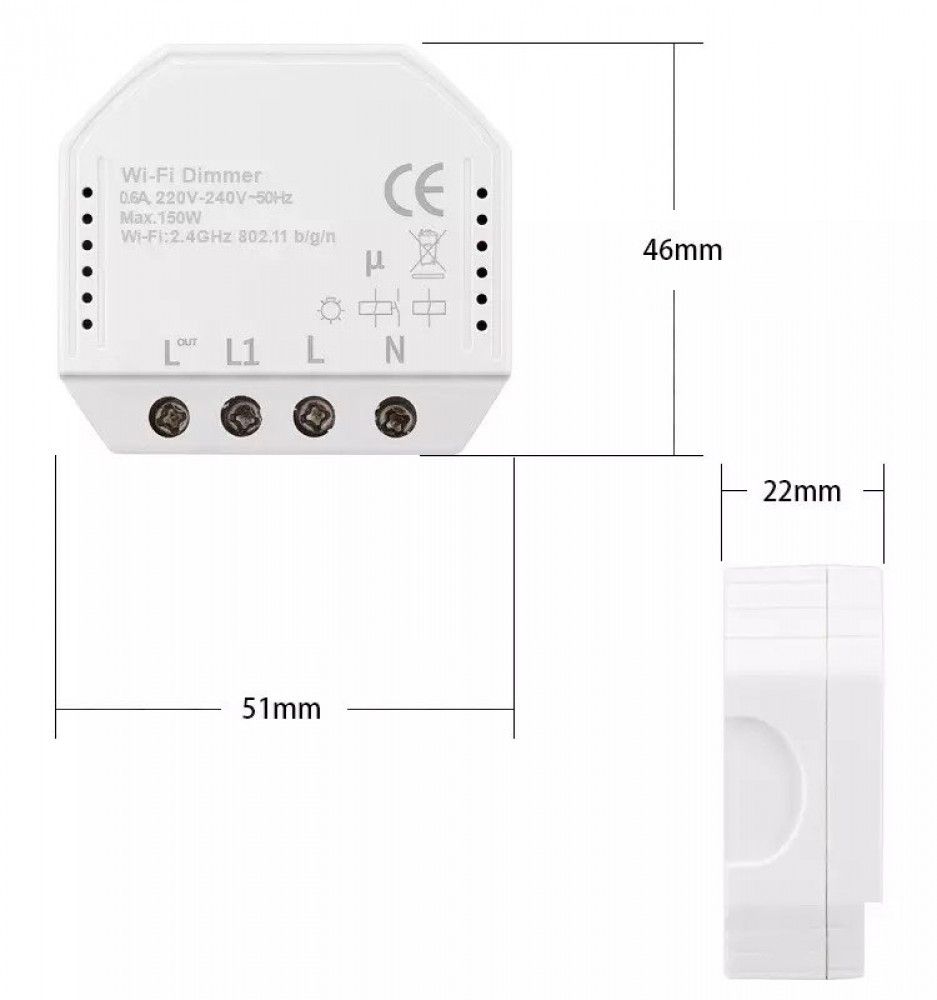
Wi-Fi Smart Dimmer Module (QS-WIFI-D01-TRIAC) - In-Wall Light Controller
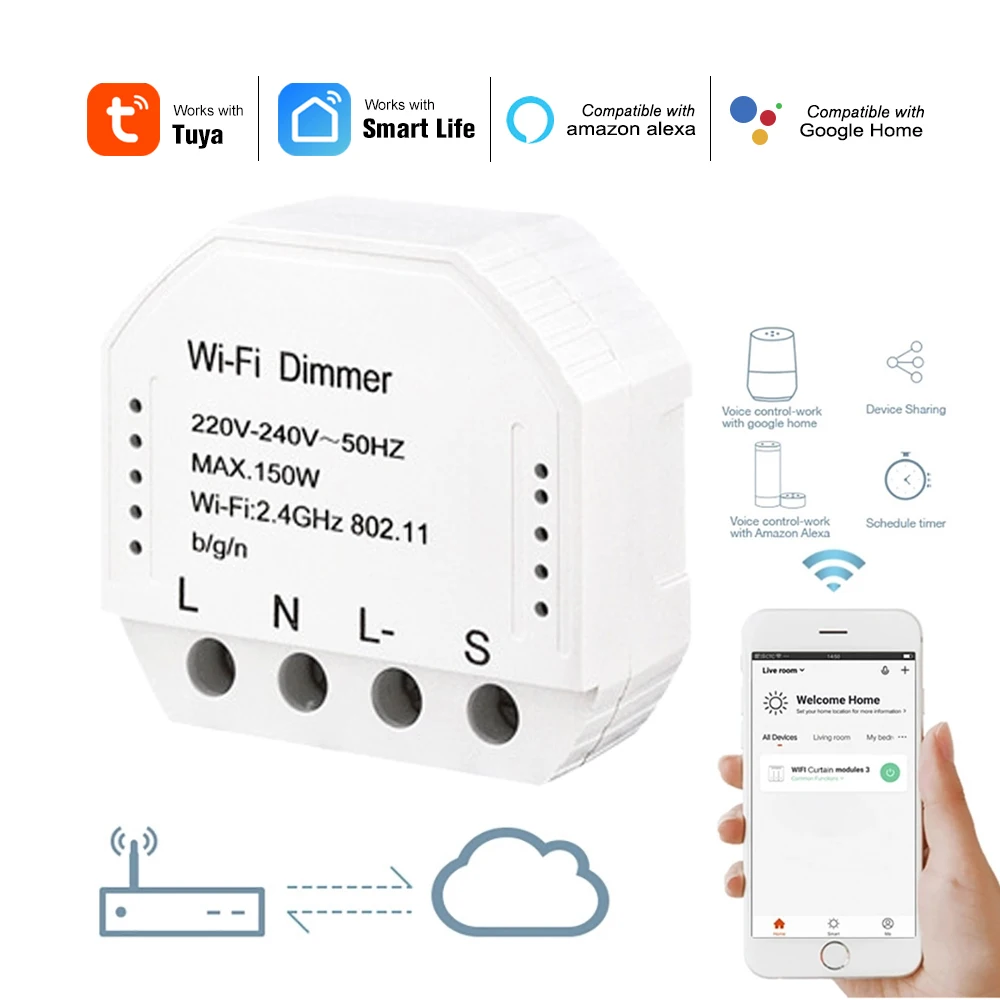
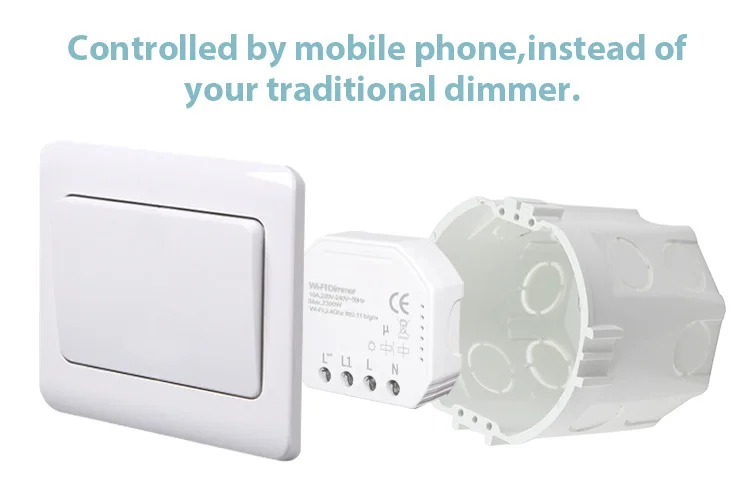
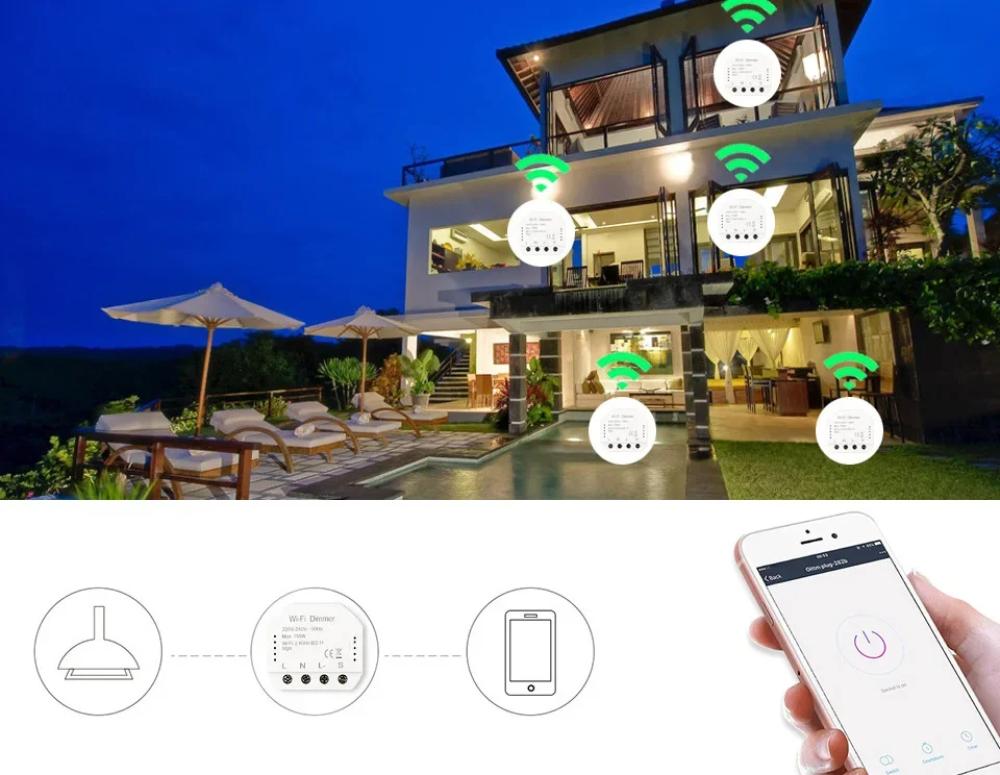
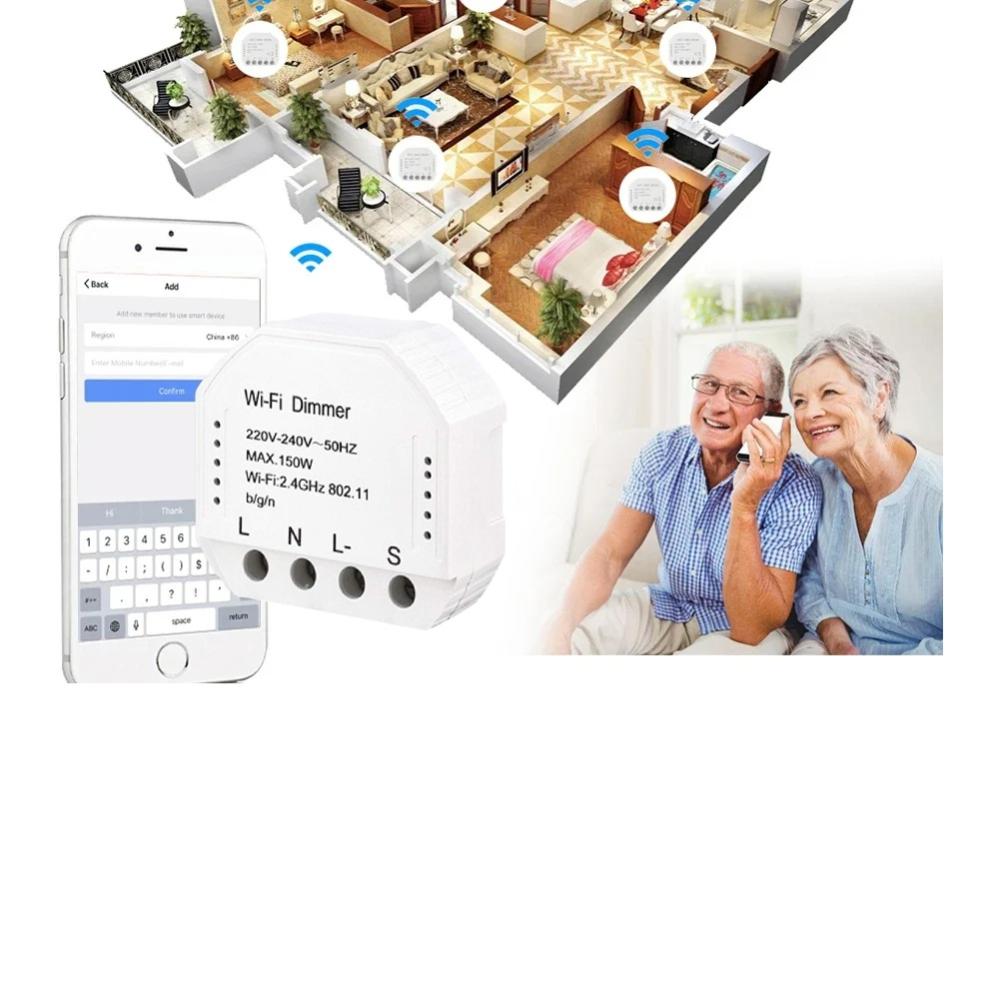
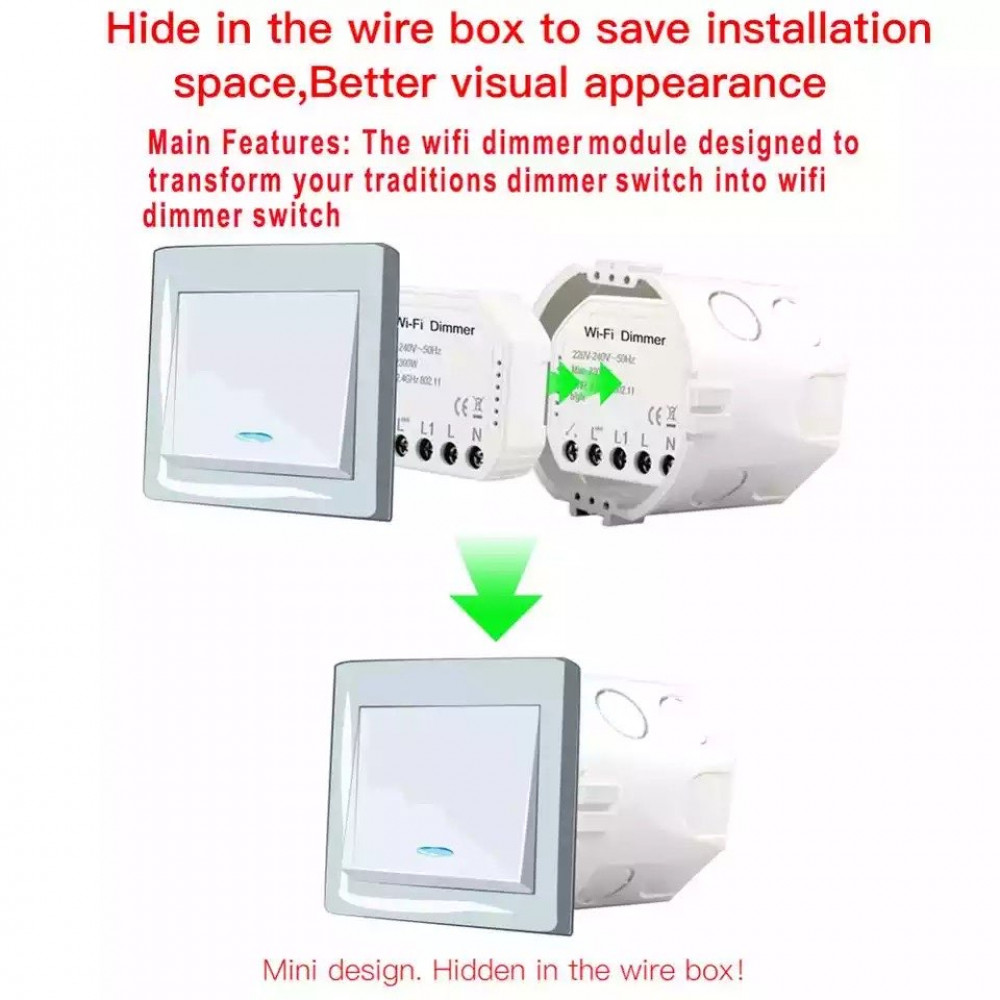
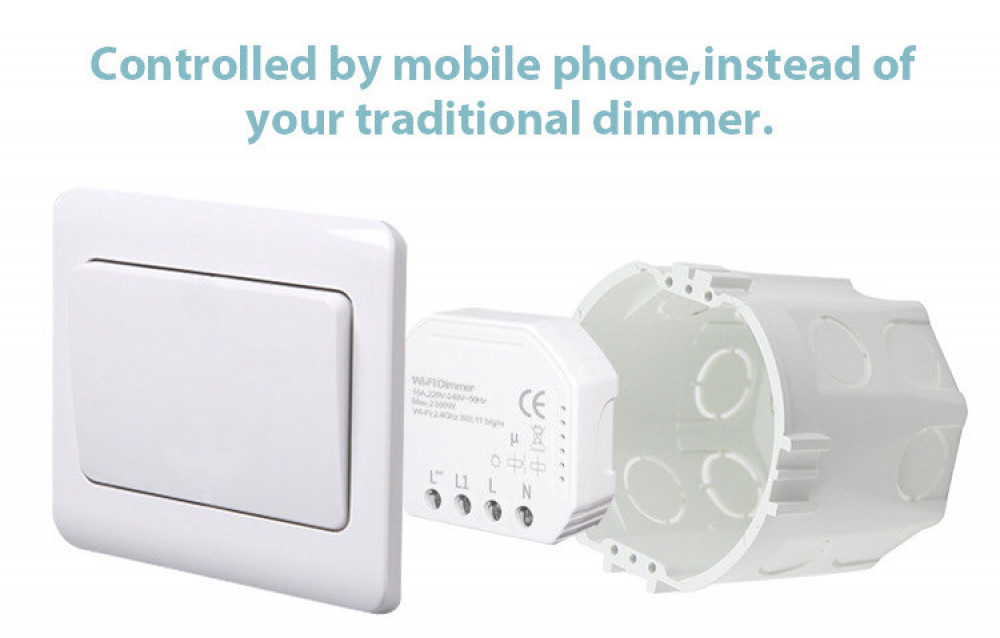
Love Your Stylish Wall Switches but Wish They Were Smart? Abhir-Online Has the Perfect Solution. You've invested in beautiful light switches that match your home's decor, but you're missing out on the convenience of smart lighting. Replacing every switch can be expensive and limiting. At Abhir-Online, we believe in smart, seamless upgrades. Introducing the Wi-Fi Smart Dimmer Module – a compact device that installs invisibly behind your existing push-button switch, instantly transforming it into a powerful smart dimmer.
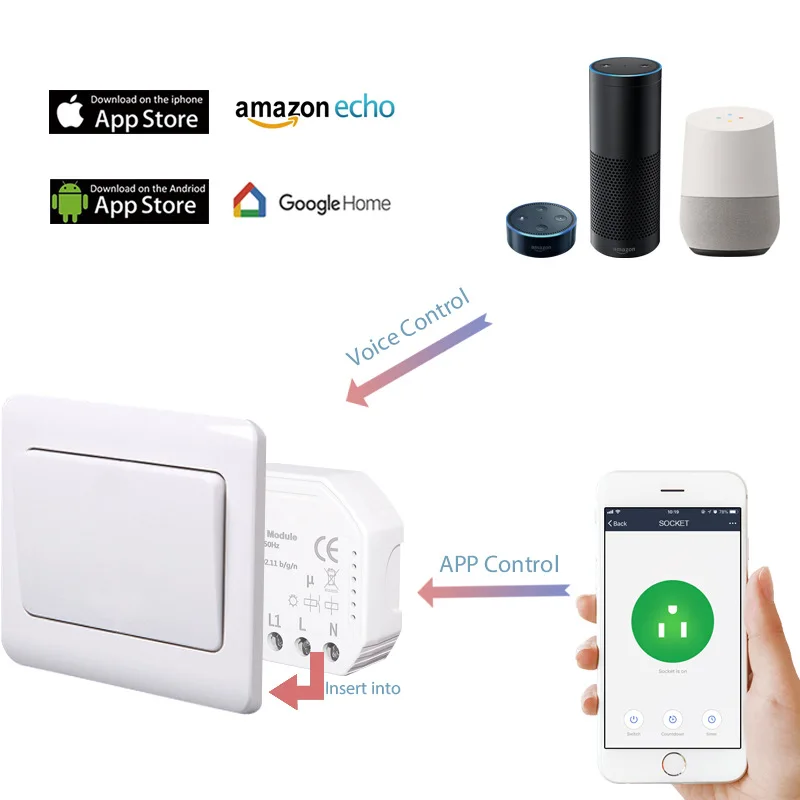
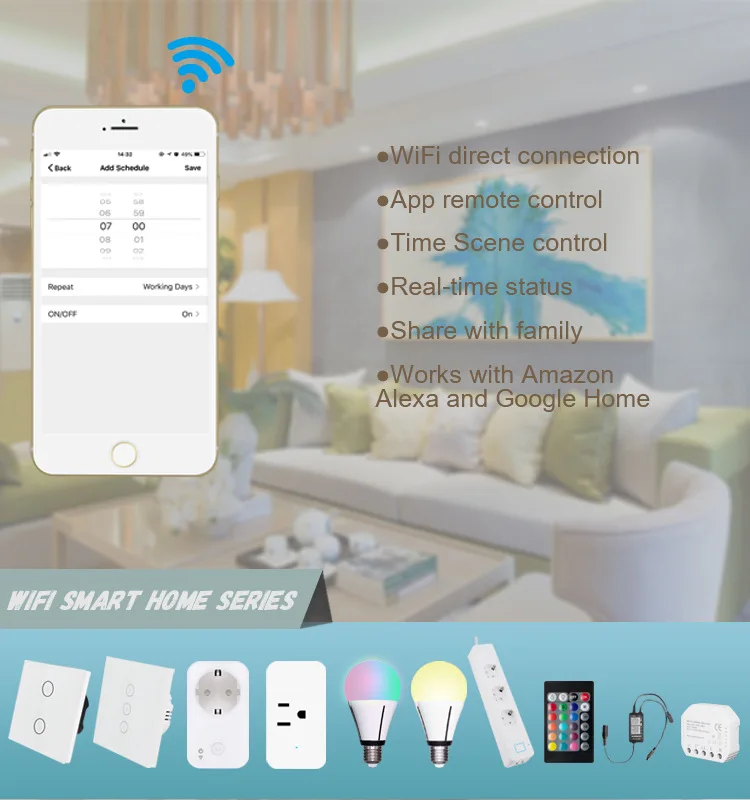
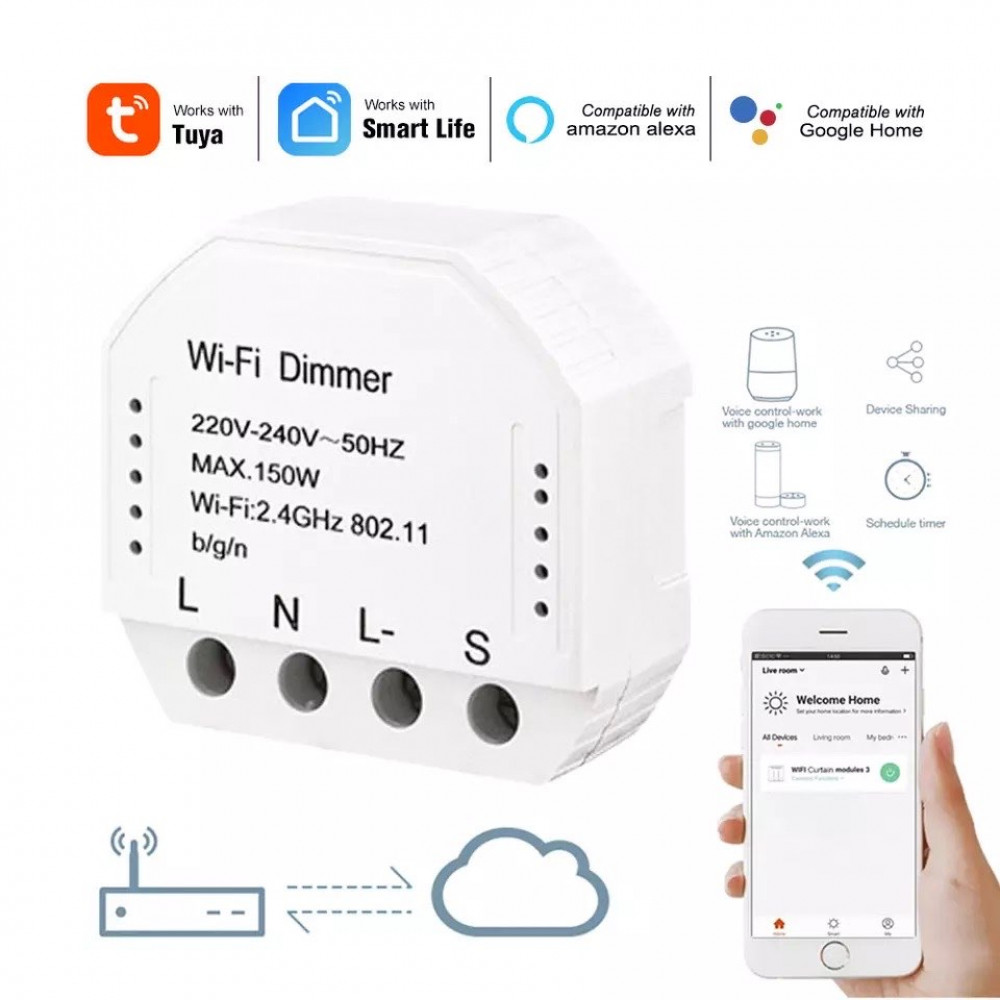
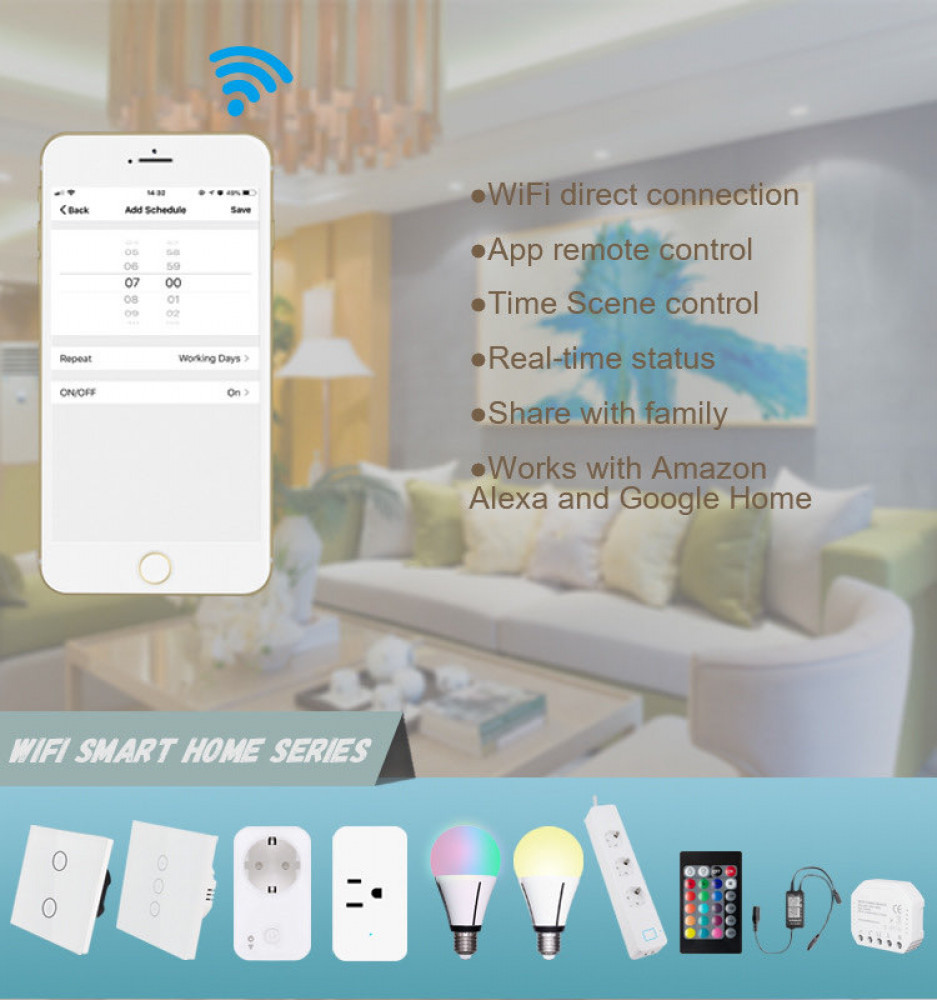
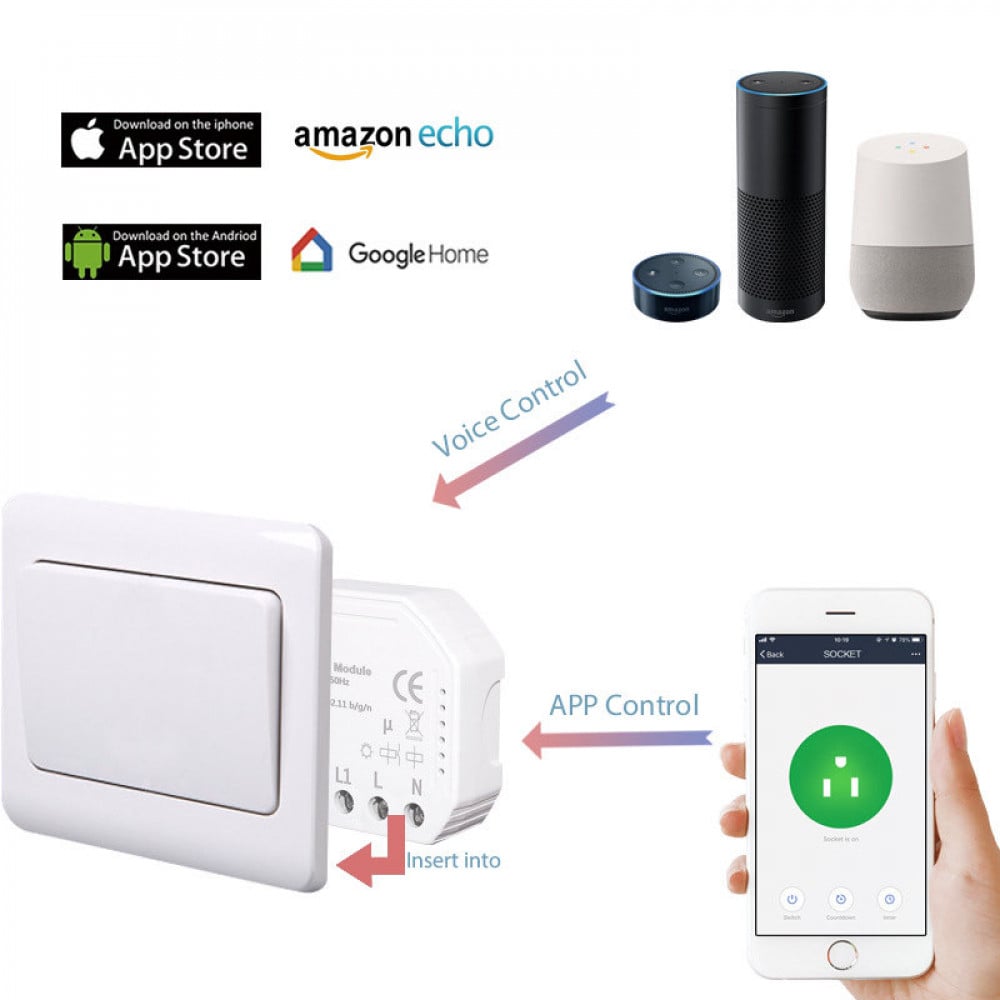
This module is the ultimate "invisible" upgrade. It allows you to keep the wall switch you love while adding a world of new functionality. Dim the lights to the perfect level for a movie night using just your voice, set schedules to wake up gently, or control your lights from anywhere in the world via your smartphone. The module connects directly to your home's Wi-Fi, working with the popular Tuya Smart or Smart Life app and integrating seamlessly with Amazon Alexa and Google Assistant. Best of all, your physical switch continues to work just as it always has. Upgrade your lighting without compromise with this essential smart home solution from Abhir-Online.
Discover more ways to create the perfect ambiance by exploring our full collection of [Smart Lighting Controllers] at Abhir-Online.
💡 The Technology Explained (in Simple Terms):
- What is a Dimmer Module?: This compact module is a smart relay with dimming capability. It sits inside your wall and physically controls the flow of electricity to your light fixture.
- TRIAC Dimming: It uses "Trailing-Edge" TRIAC dimming, which is a modern type of dimming that is excellent for dimmable LED bulbs and electronic transformers, providing smooth, flicker-free light adjustment.
- Direct Wi-Fi: The module connects directly to your 2.4GHz Wi-Fi network, meaning no separate hub or gateway is required!
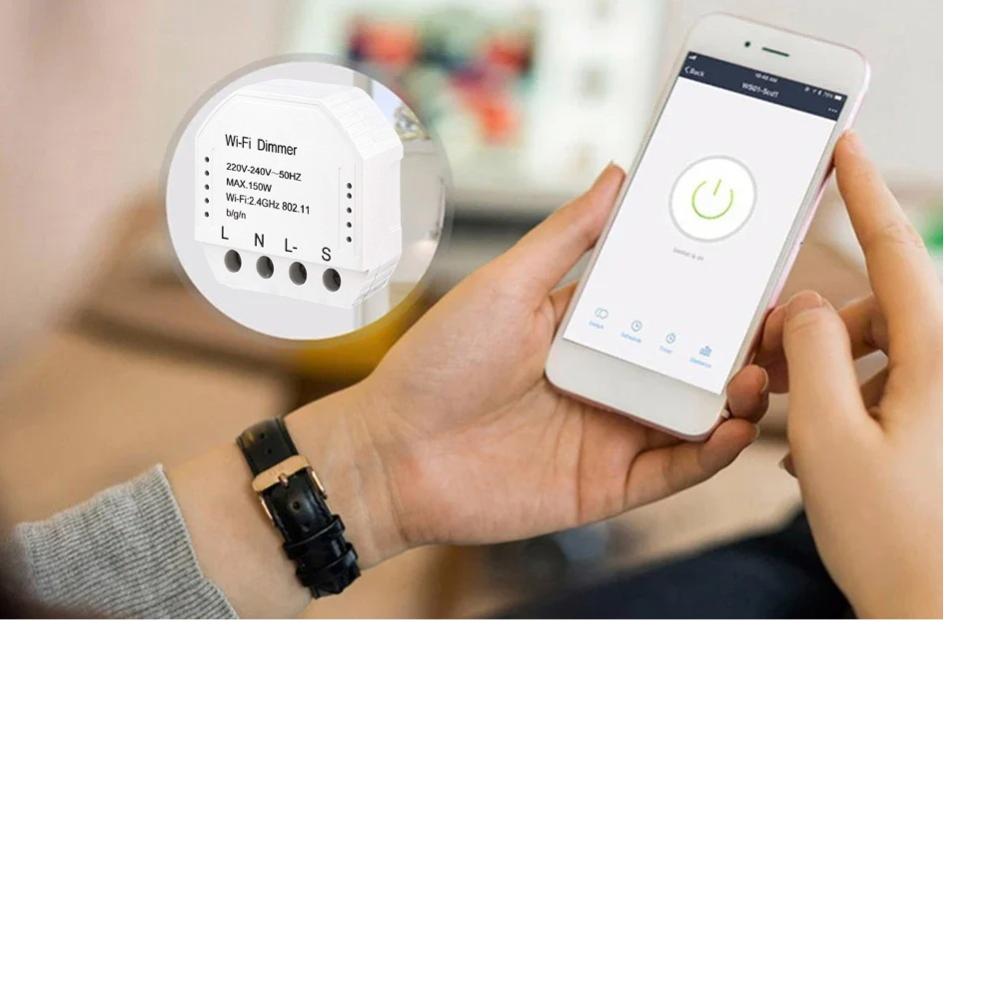
📲 The App & Platform Experience: This module is part of the vast Tuya ecosystem, controlled via the Tuya Smart or Smart Life app.
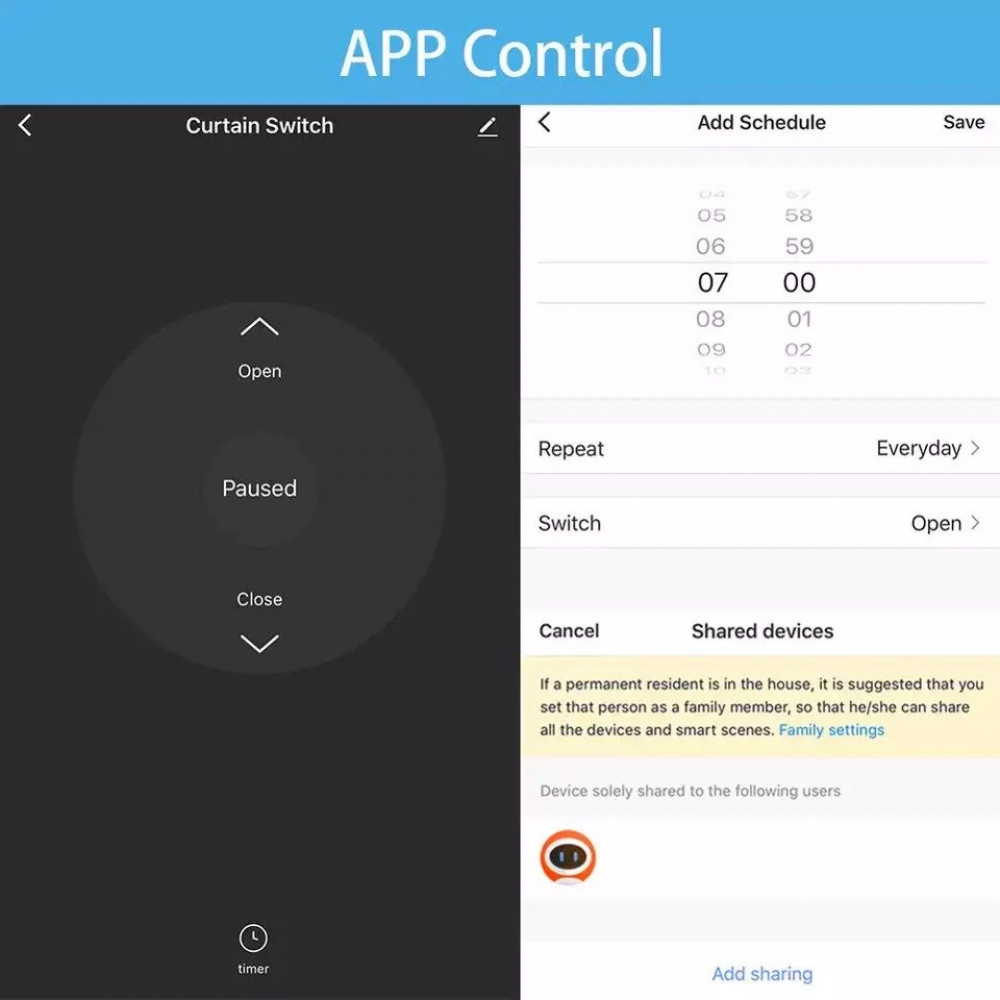
- App Control: Use the app to turn lights on/off, set precise brightness levels (0-100%), create schedules (e.g., dim lights at 10 PM), and set countdown timers.
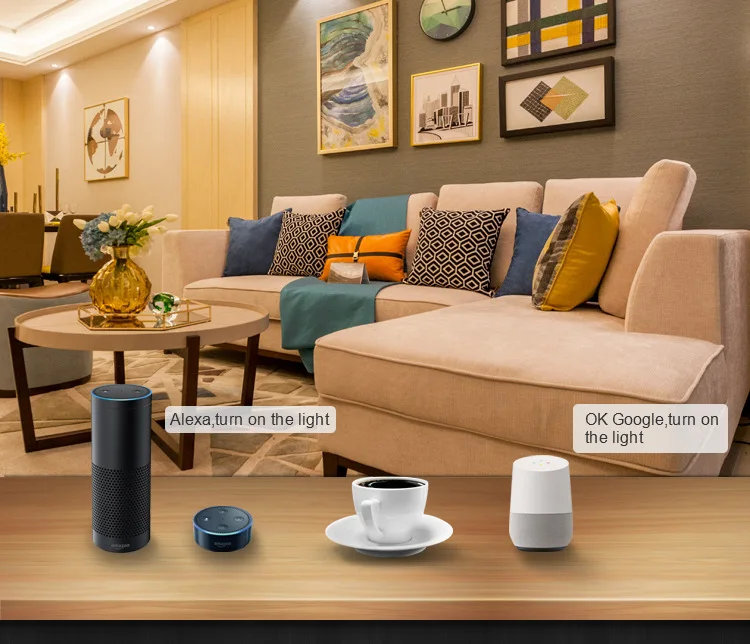
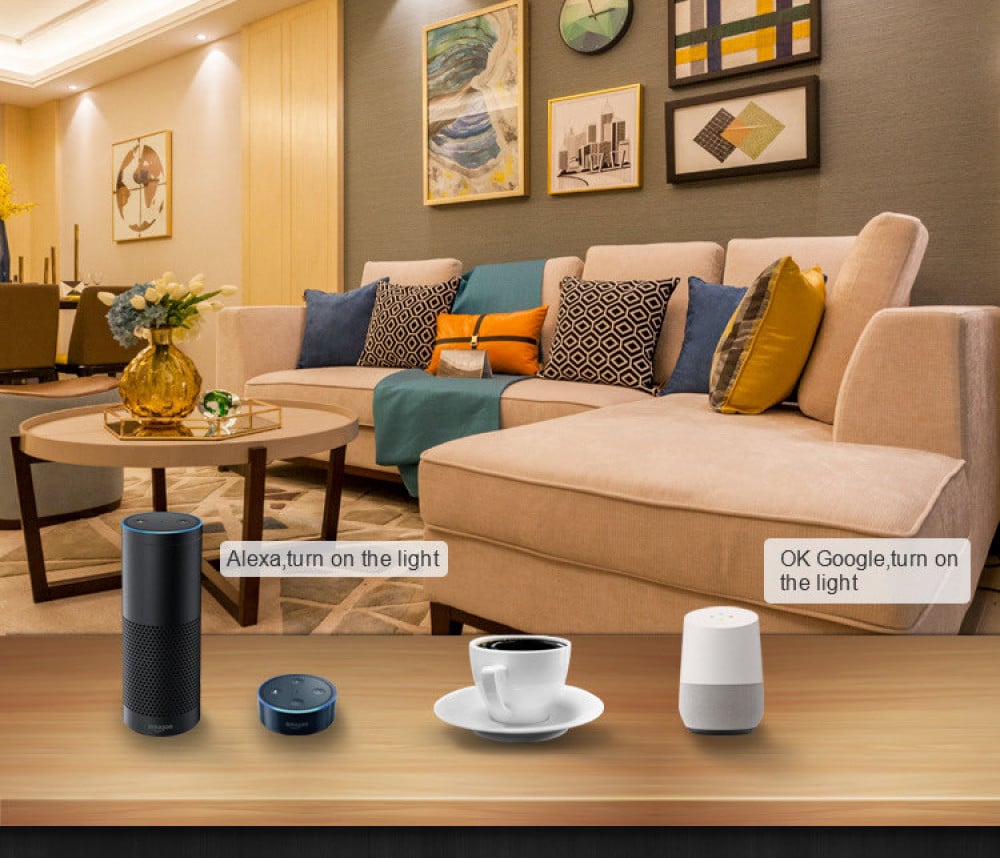
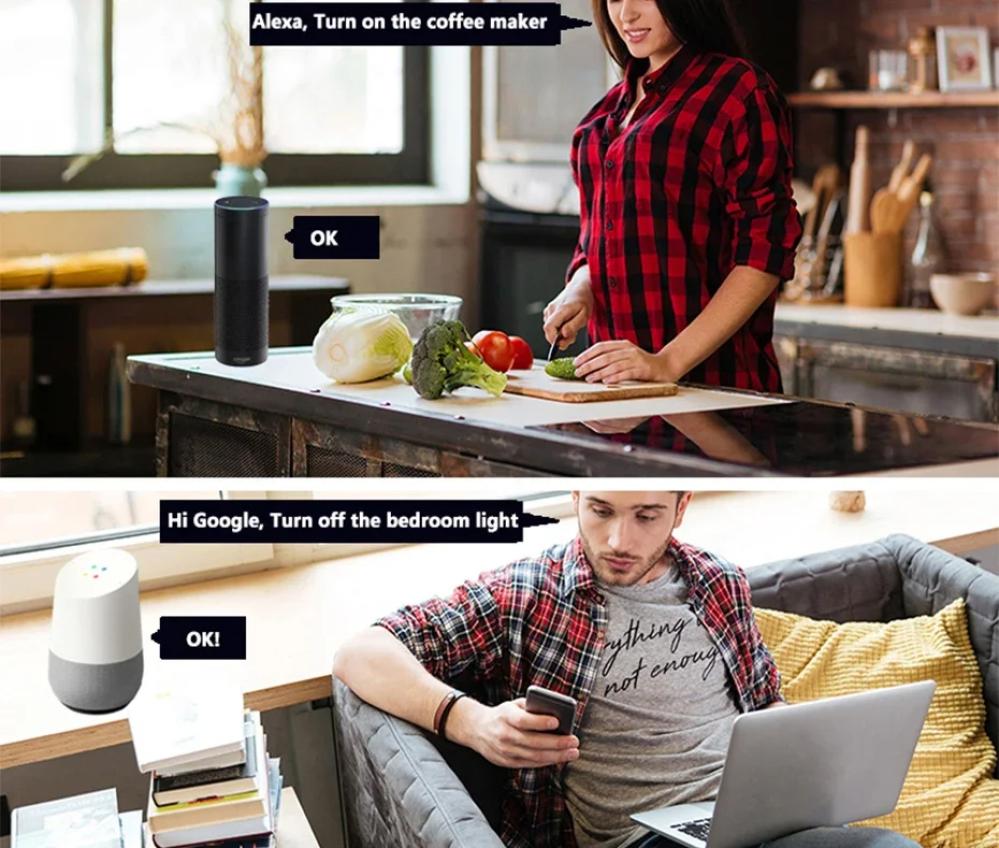
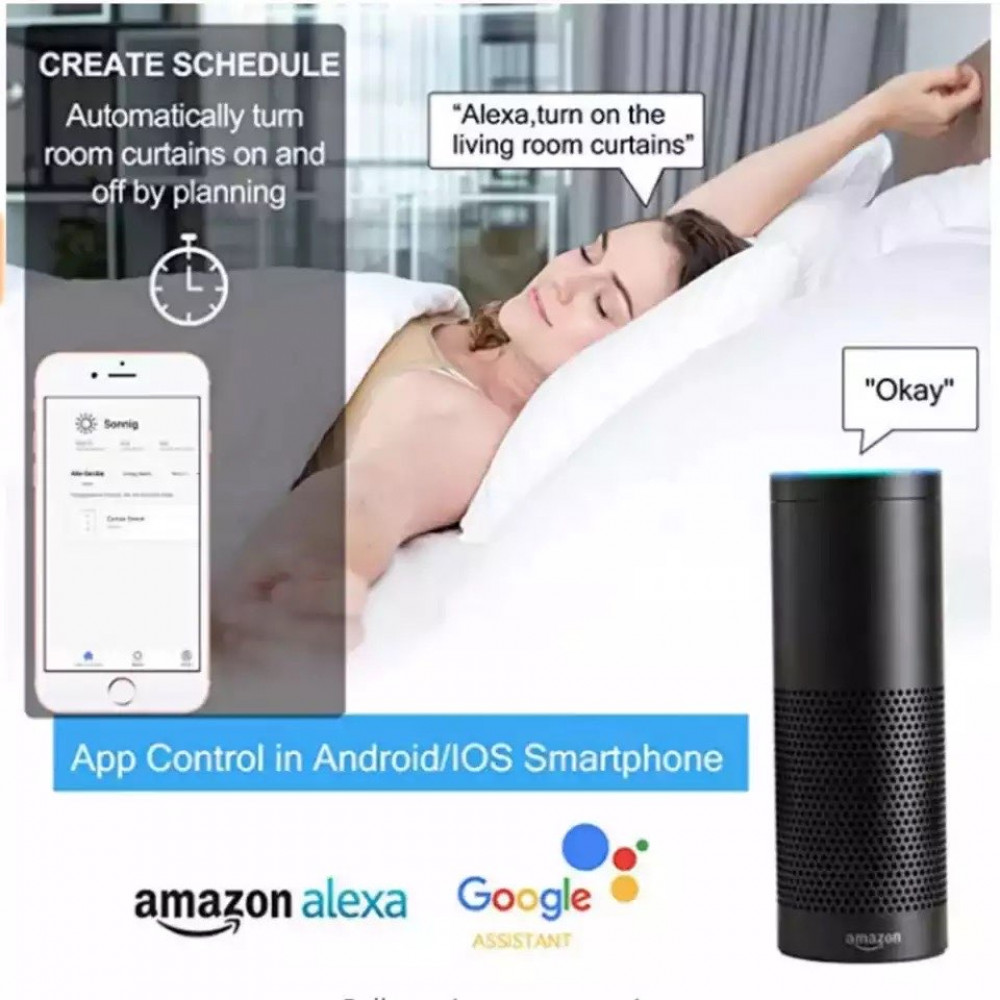
- Voice Control: Link your app to Amazon Alexa or Google Home to control your lights with simple voice commands like, "Hey Google, dim the living room lights to 25%."
- Device Sharing: Easily share control with family members through the app.
Product Features and Advantages:
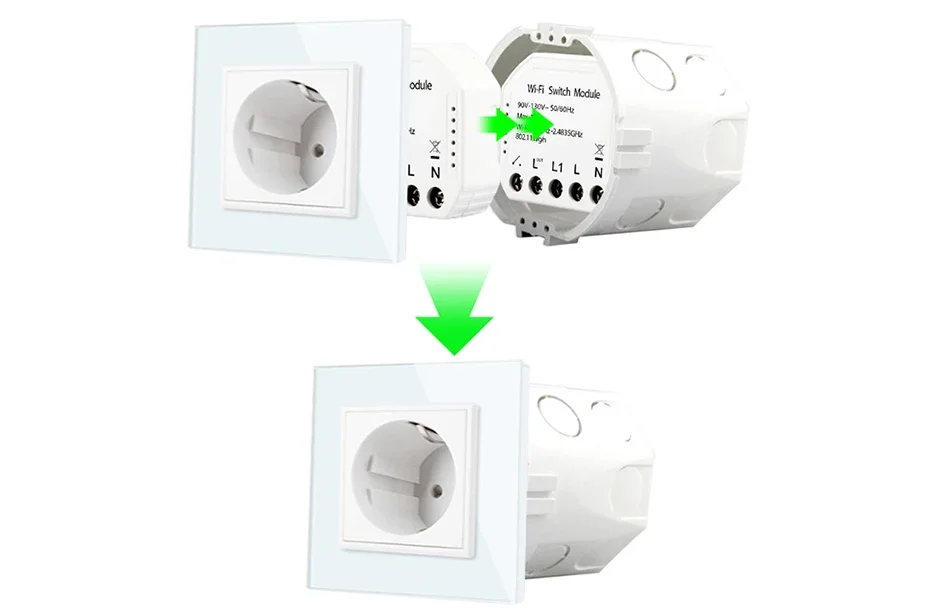
- Invisible Upgrade ✨: Installs behind your existing push-button wall switch, preserving your home's aesthetic while adding smart functionality.
- Smooth Dimming Control 💡: Provides 0-100% flicker-free dimming for compatible lights via app or voice command.
- No Hub Required: Connects directly to your 2.4GHz Wi-Fi network.
- Voice Assistant Compatible: Works perfectly with Amazon Alexa and Google Assistant for hands-free control.
- Retains Manual Control: Your physical push-button switch continues to work normally (short press for on/off, long press to dim), and is always in sync with the app.
- Schedules & Timers: Set your lights to turn on, off, or dim at specific times to match your daily routine.
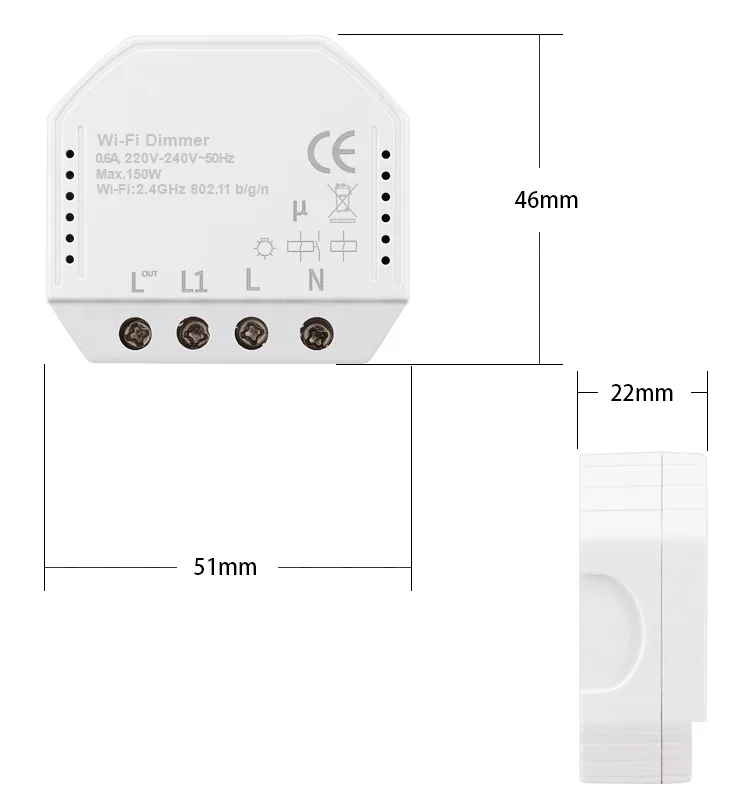
- Compact Design 📦: Small dimensions (approx. 51x47x22mm) allow it to fit inside most standard EU/UK-style junction boxes.
Compatibility:
Works with dimmable lights only. Supported Loads: Dimmable LED lamps (Max. 150W), Incandescent/Halogen bulbs (Max. 150W). Not Supported: Non-dimmable bulbs, fans, or motors. Switch Type: Designed for use with push-button (momentary) wall switches. Wireless Protocol: Wi-Fi 2.4GHz (IEEE 802.11b/g/n). App Support: Tuya Smart app and Smart Life app (iOS & Android).
Product Physical Specifications:
Brand: Tuya Ecosystem Product (unbranded)
Model: QS-WIFI-D01-TRIAC
Color: White
Main Material: ABS+PC
Dimensions: Approx. 51mm x 47mm x 22mm
Input Voltage: 220-240V AC, 50/60Hz
Max Load: 150W (for compatible dimmable lights)
Dimming Type: Trailing-Edge
IP Rating: IP20 (Indoor use only)
Special Instructions and Safety Precautions:
Installation must be performed by a qualified electrician.
A Neutral wire is required in the switch box for this module to operate.
Do not exceed the maximum load of 150W.
Keep the device away from water, damp conditions, and strong signal sources like microwave ovens.
Package Contents:
1 x Wi-Fi Smart Dimmer Module (QS-WIFI-D01-TRIAC)
1 x User Manual
Complete Your Setup (Frequently Bought Together):
Helpful Resources & Videos:
[Link to a "How to Install a Tuya Wi-Fi Dimmer" Video]
[Link to a guide on "Choosing the Right Dimmable LED Bulbs"]
Keywords:
WiFi Dimmer Module, Smart Dimmer Switch, Tuya Dimmer, QS-WIFI-D01-TRIAC, In-Wall Dimmer, Light Controller, Smart Life App, Alexa Dimmer, Google Home Dimmer, No Hub, Abhir online, Trailing Edge
Frequently Asked Questions (FAQs):
Q1: My LED lights are flickering or buzzing after installing the module. How can I fix this? A1: Flickering or buzzing is almost always caused by an incompatible light bulb. This module uses "Trailing-Edge" dimming and requires high-quality "Dimmable" LED bulbs. Standard, non-dimmable bulbs will not work correctly. Please ensure your bulb is marked as "Dimmable" to get smooth, silent performance.
Q2: Can I use this with my standard on/off (rocker) light switch?
A2: This dimmer module is specifically designed to work with push-button (momentary) switches. A short press on this type of switch will turn the light on/off, and a long press will adjust the brightness. It will not function correctly with a standard on/off rocker switch.
Q3: The module won't connect to my Wi-Fi. What should I do?
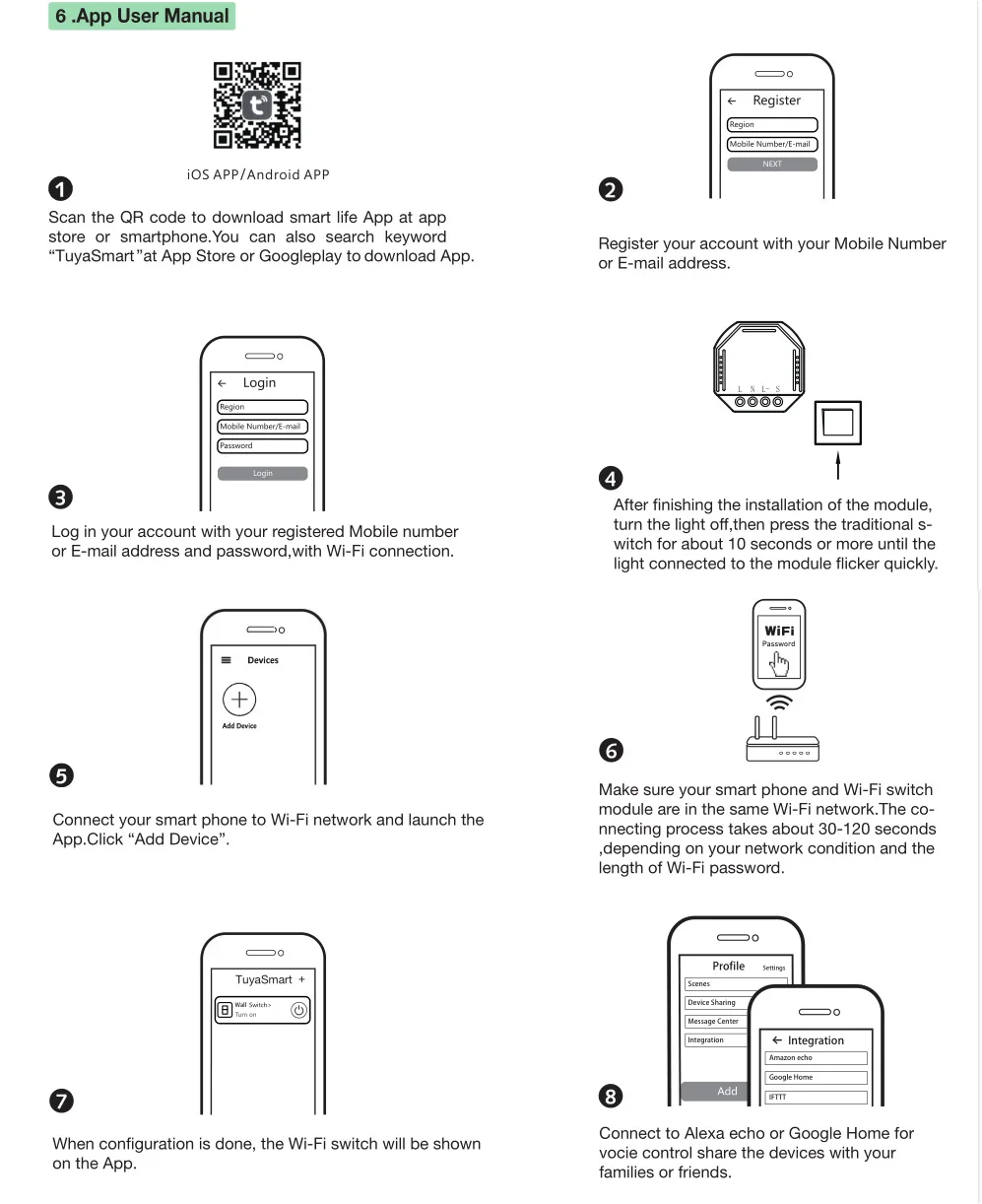
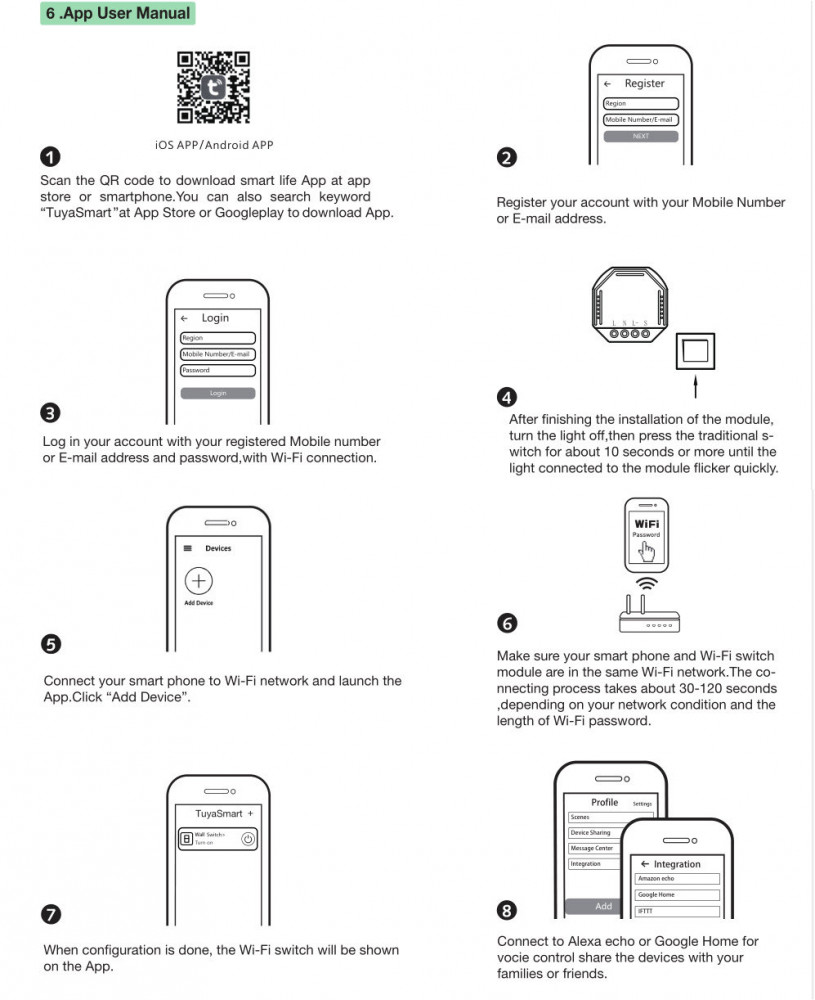
A3: First, confirm your Wi-Fi network is 2.4GHz, as 5GHz networks are not supported. Second, to enter pairing mode, you must press and hold the connected push-button switch for about 10 seconds until the connected light starts to flash rapidly. Ensure your phone is on the same 2.4GHz Wi-Fi network during this setup process.
Q4: Do I absolutely need a Neutral wire for this to work?
A4: Yes, this is a critical safety and operational requirement. This dimmer module requires a Neutral wire in the electrical wall box to be powered correctly. Please verify your wiring has a Neutral wire before purchasing.
Q5: What happens if my internet goes down?
A5: You will not lose control of your light. Your physical push-button wall switch will continue to work perfectly for turning the light on, off, and dimming it, even with no Wi-Fi connection. You only lose the "smart" features (app and voice control) until the connection is restored.
Q6: The dimmer doesn't adjust to the full 0% or 100% brightness. Can this be fixed?
A6: Yes, some high-quality dimmable LEDs have a minimum brightness level. The Tuya Smart / Smart Life app often has a "Minimum Brightness Setting" in the device's options. You can use this to calibrate the dimmer to match the lowest possible brightness of your specific bulb, ensuring a wider and more accurate dimming range.
🛠️ Installation & Setup Insights from Abhir-Online:
⚠️ Safety First:
Click here to download instruction manual
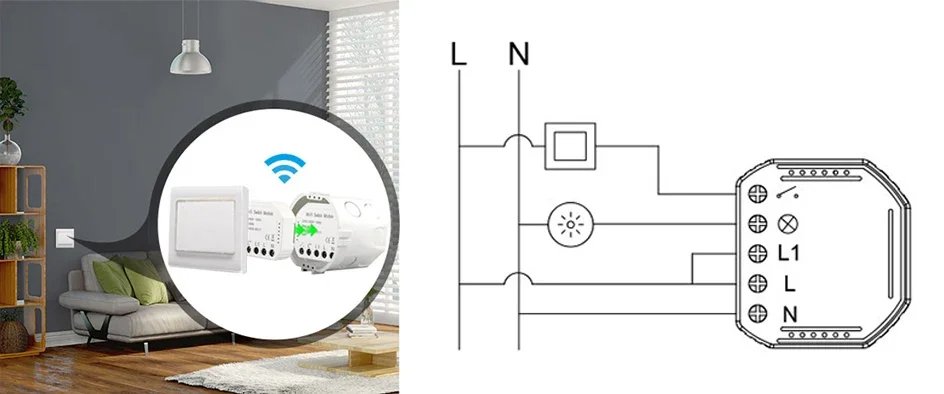
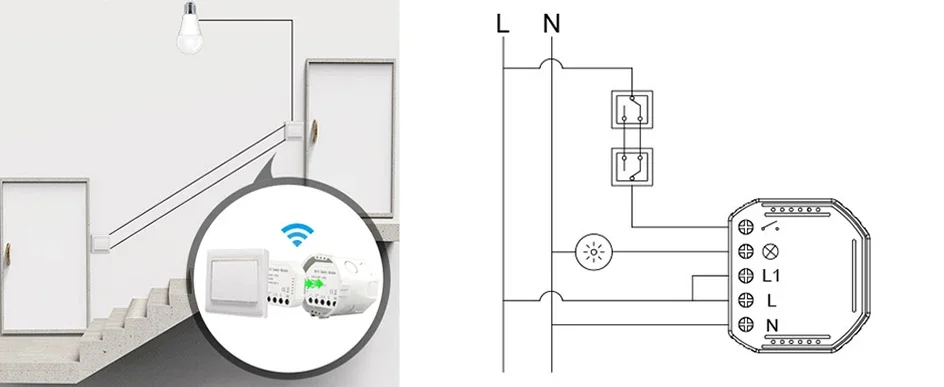
- This device connects to 220-240V mains electricity and must be installed by a qualified electrician or a person with expert knowledge of electrical wiring. Always turn off power at the circuit breaker before installation.
- Prerequisites: A Neutral wire is required in your wall switch box. This module is designed for push-button (momentary) switches, not traditional rocker switches.
- Simplified Steps (for your electrician):
- Power Off: De-energize the circuit at the breaker.
- Wire It: Connect the Live, Neutral, and Load (light) wires to the module according to the diagram in the user manual. Connect the push-button switch to the "S" terminal.
- Install & Power On: Fit the compact module inside the junction box behind the switch and restore power.
- Pair with App: Open the Tuya Smart/Smart Life app and follow the instructions to add a new device. You will typically need to press and hold the manual switch for about 10 seconds to put the module into pairing mode.