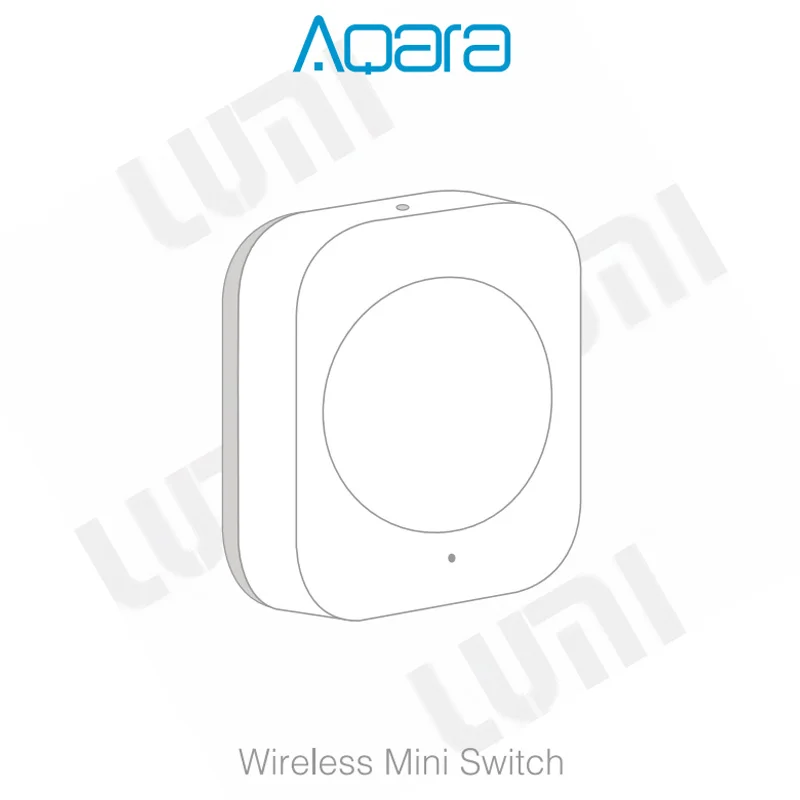
Aqara Wireless Mini Switch (WXKG11LM) - Customizable Smart Button for Home Automation
Tired of Fumbling for Your Phone in the Dark? Abhir-Online Simplifies Your Smart Home.
Your smart home offers incredible convenience, but finding your phone or waking the house with a voice command just to turn off a light can be a hassle. What if you could trigger complex scenes with a simple, satisfying click? At Abhir-Online, we believe in making smart technology feel effortless. We present the Aqara Wireless Mini Switch – a simple, elegant button that places the power of your entire smart home right where you need it, whenever you need it.
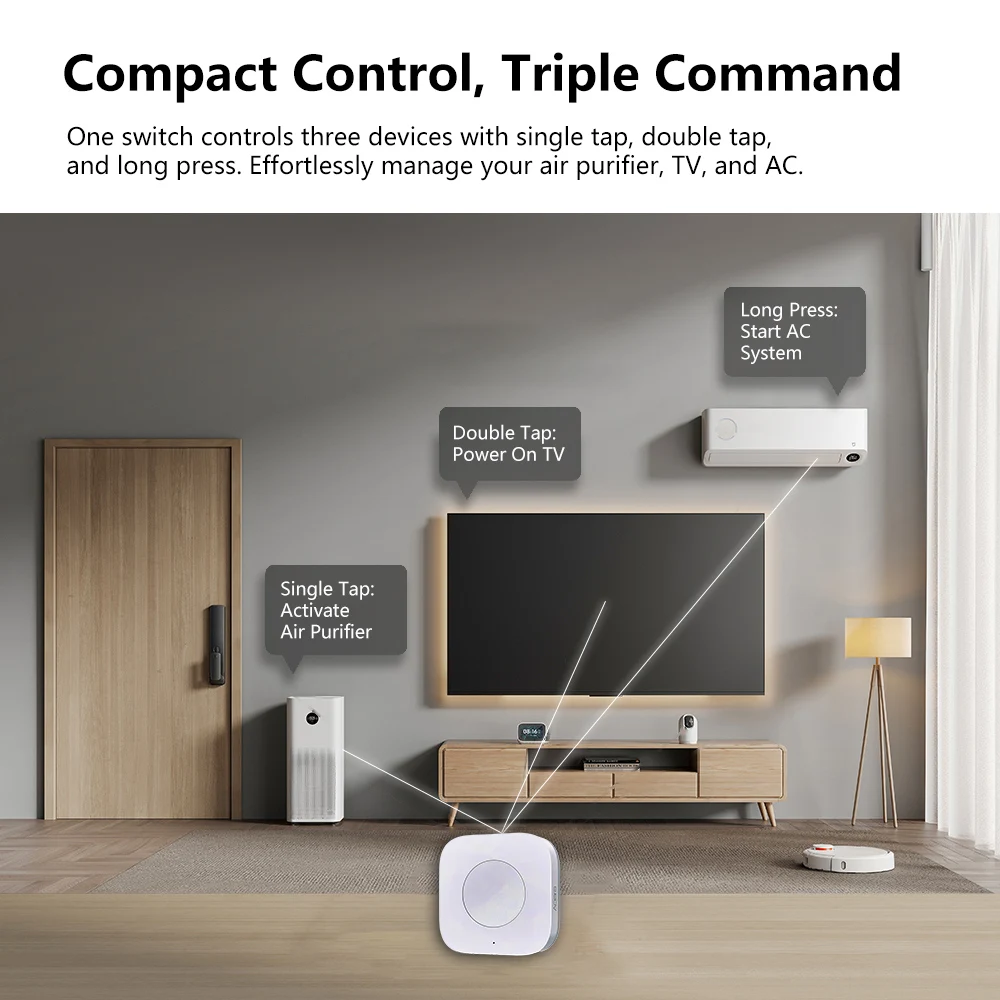
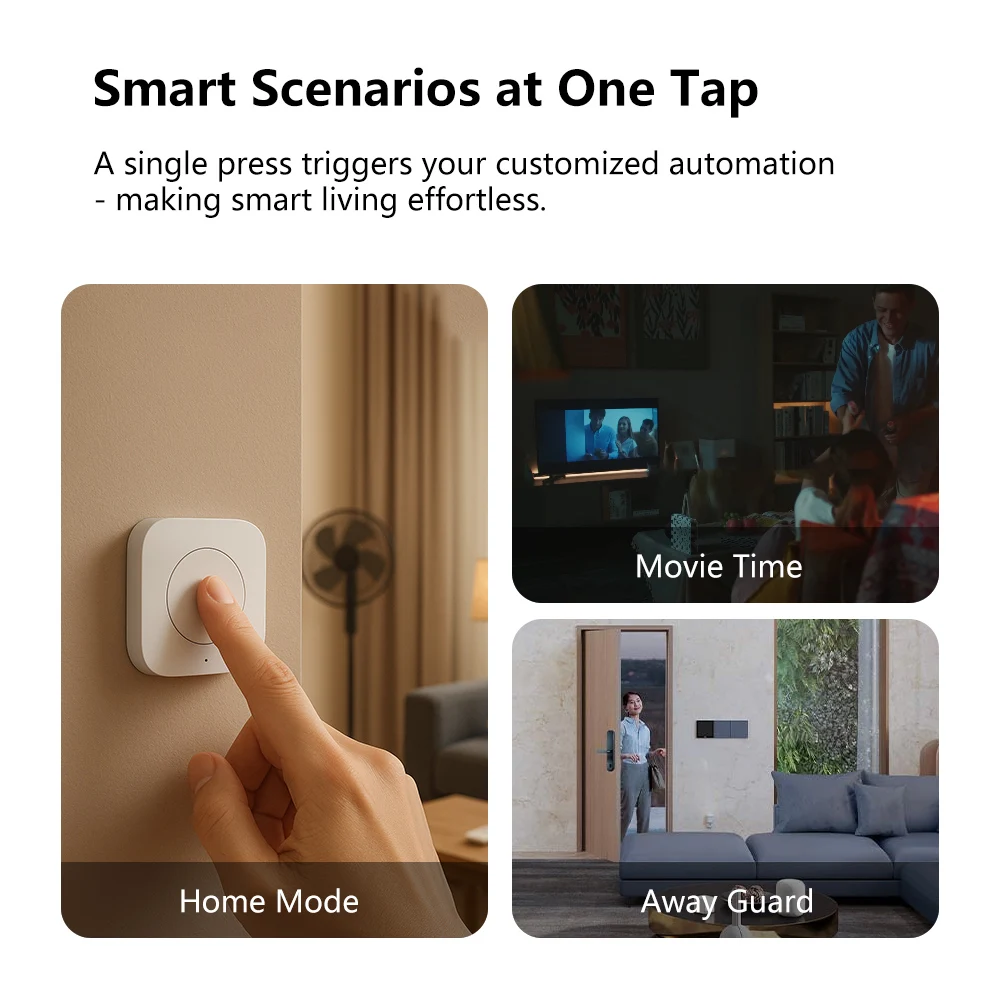
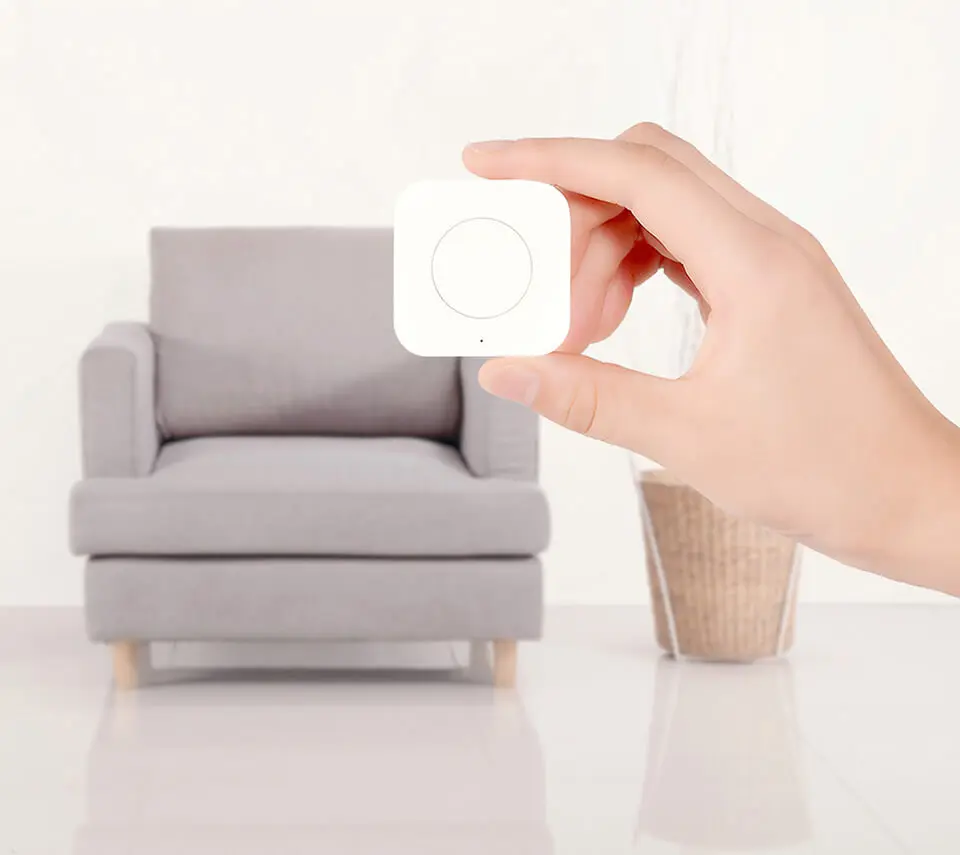
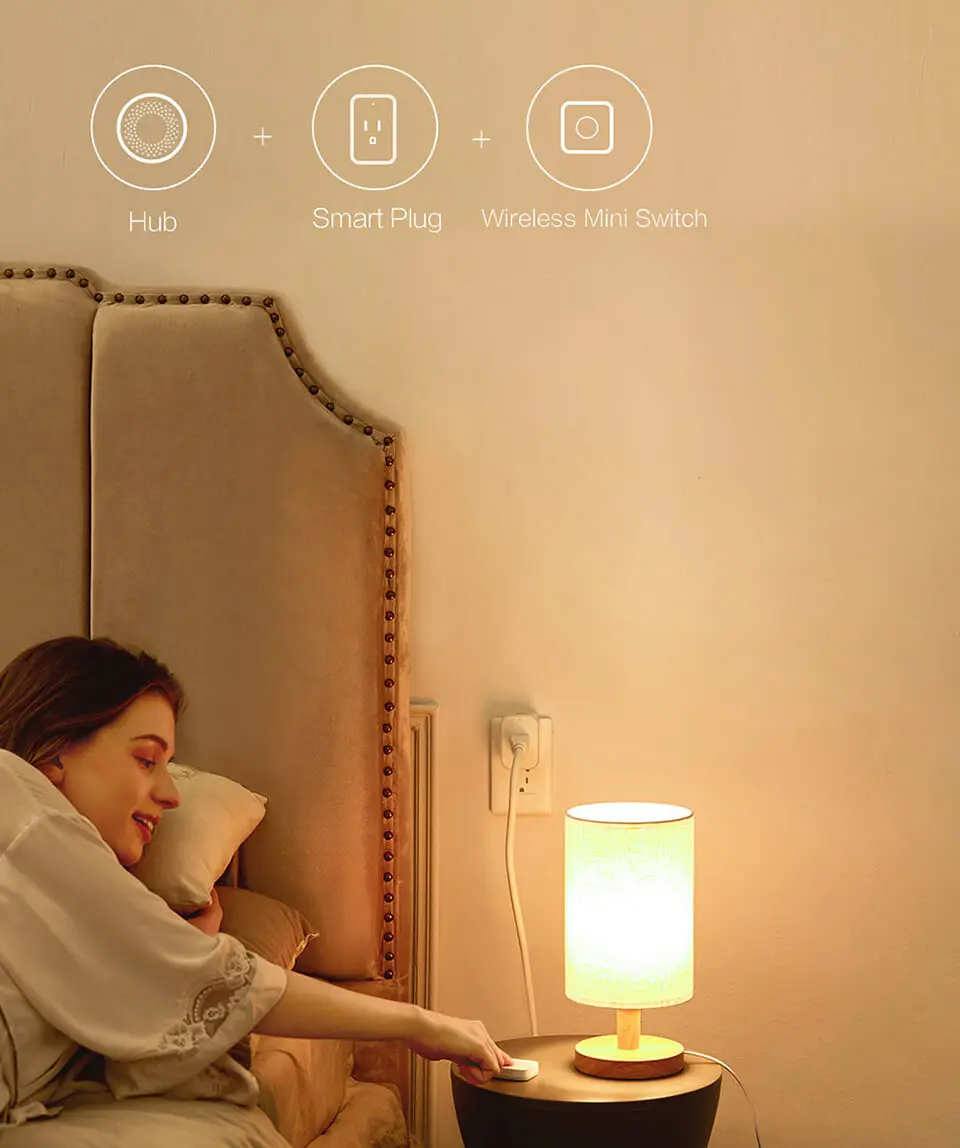
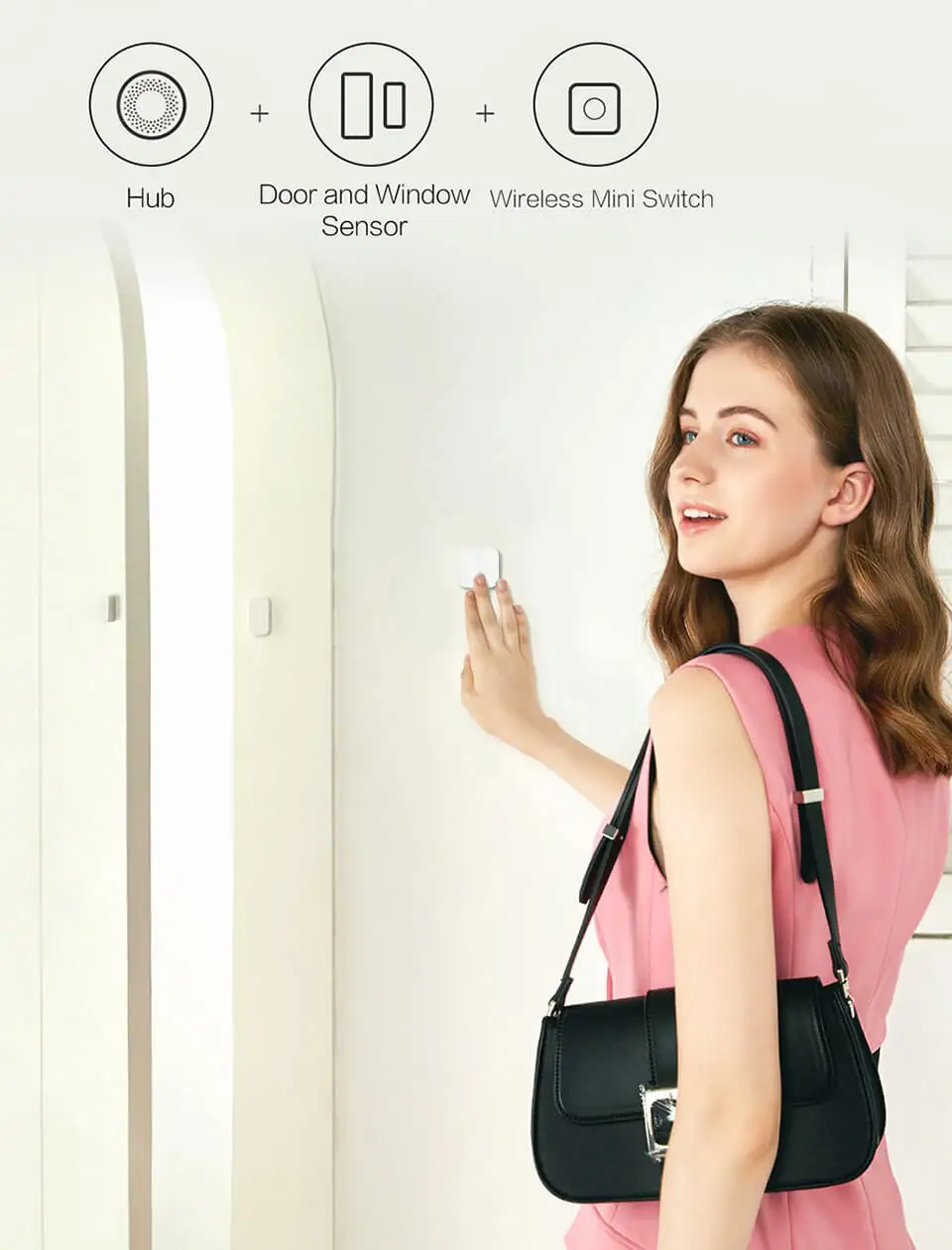
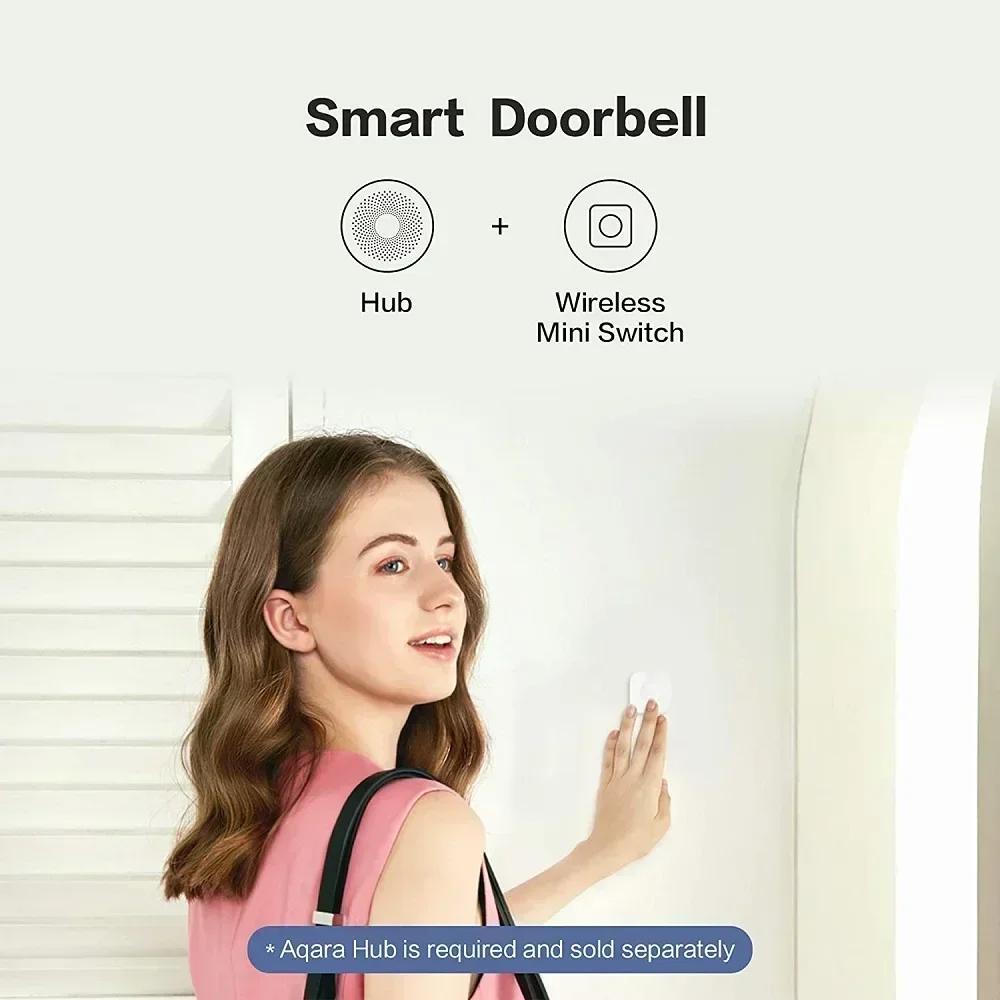
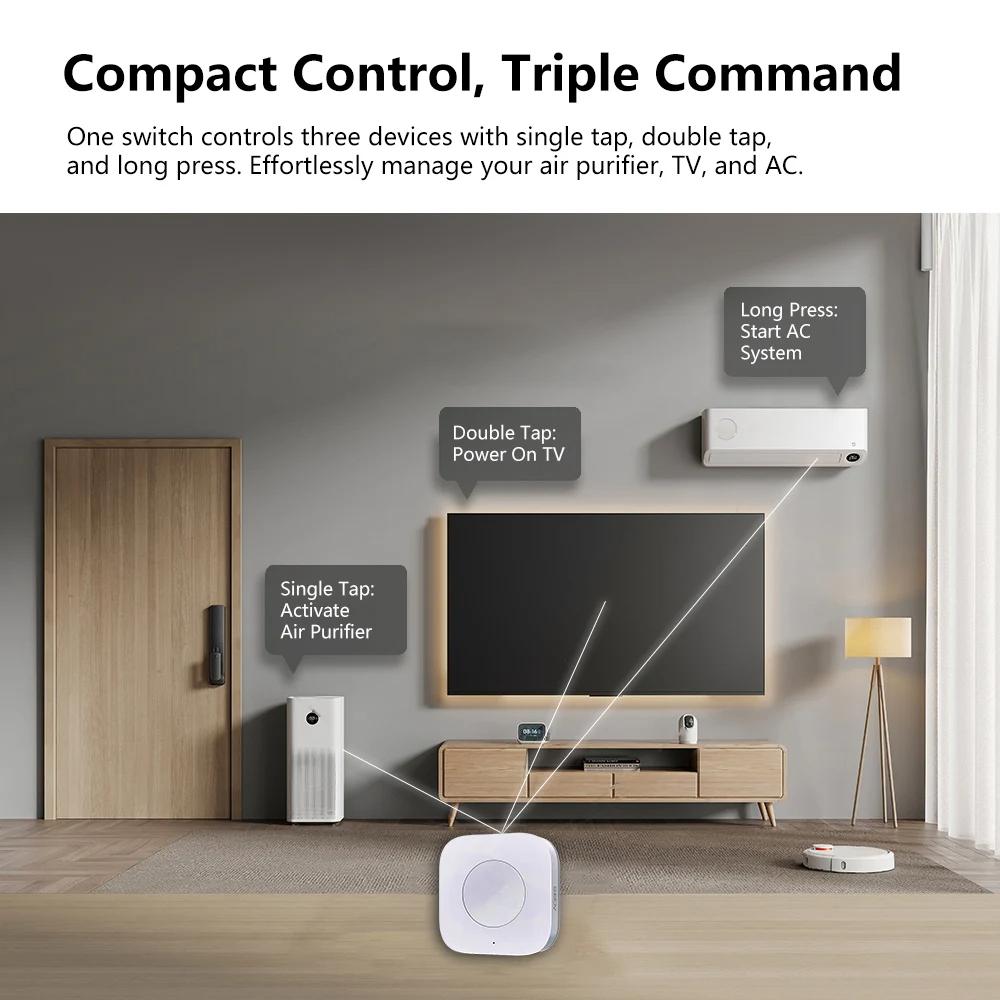
The Aqara Wireless Mini Switch is your personal remote for a smarter life. Completely wireless and with a battery that lasts up to 2 years, you can place it anywhere. Mount it by your front door to activate an "All Off" scene when you leave. Stick it on your nightstand for one-press "Good Night" control without a bright phone screen. Use it as a wireless doorbell that chimes through your Aqara Hub, or give it to an elderly family member as a simple emergency alert button. By connecting it to your Aqara Hub (sold separately by Abhir-Online), you can customize its three actions (single, double, and long press) to control almost anything in your smart home, including your Apple HomeKit ecosystem.
Ready to add a touch of simple, physical control to your smart home? Explore the full range of [Aqara Smart Switches & Controllers] at Abhir-Online.
💡 How It Works: The Core Technology:
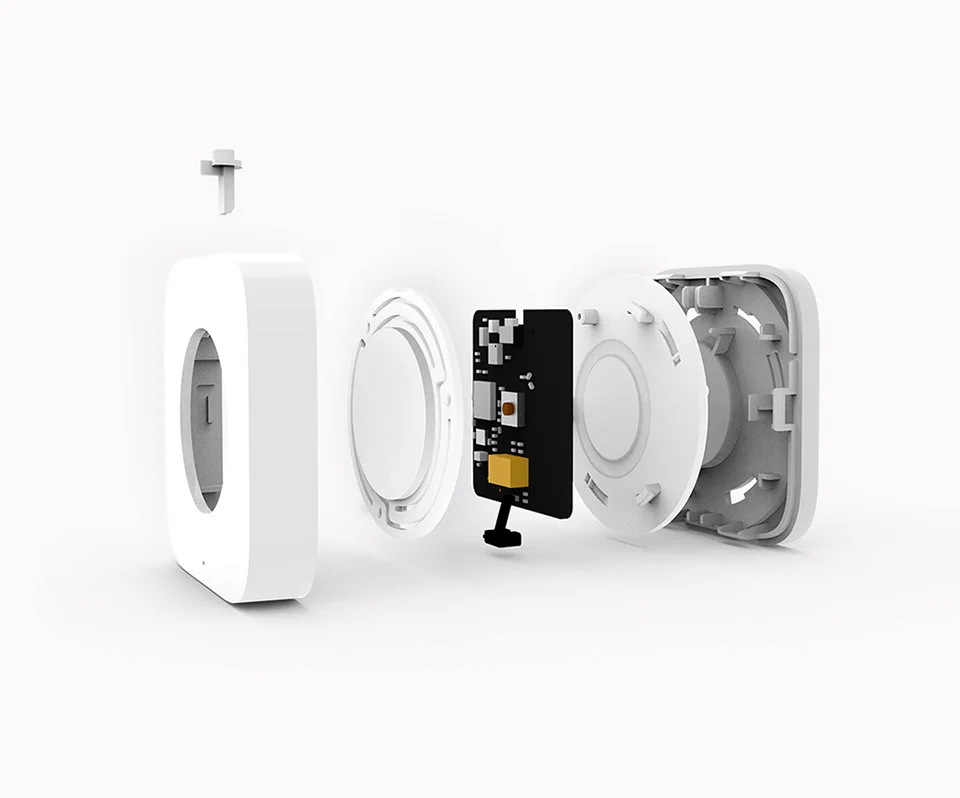
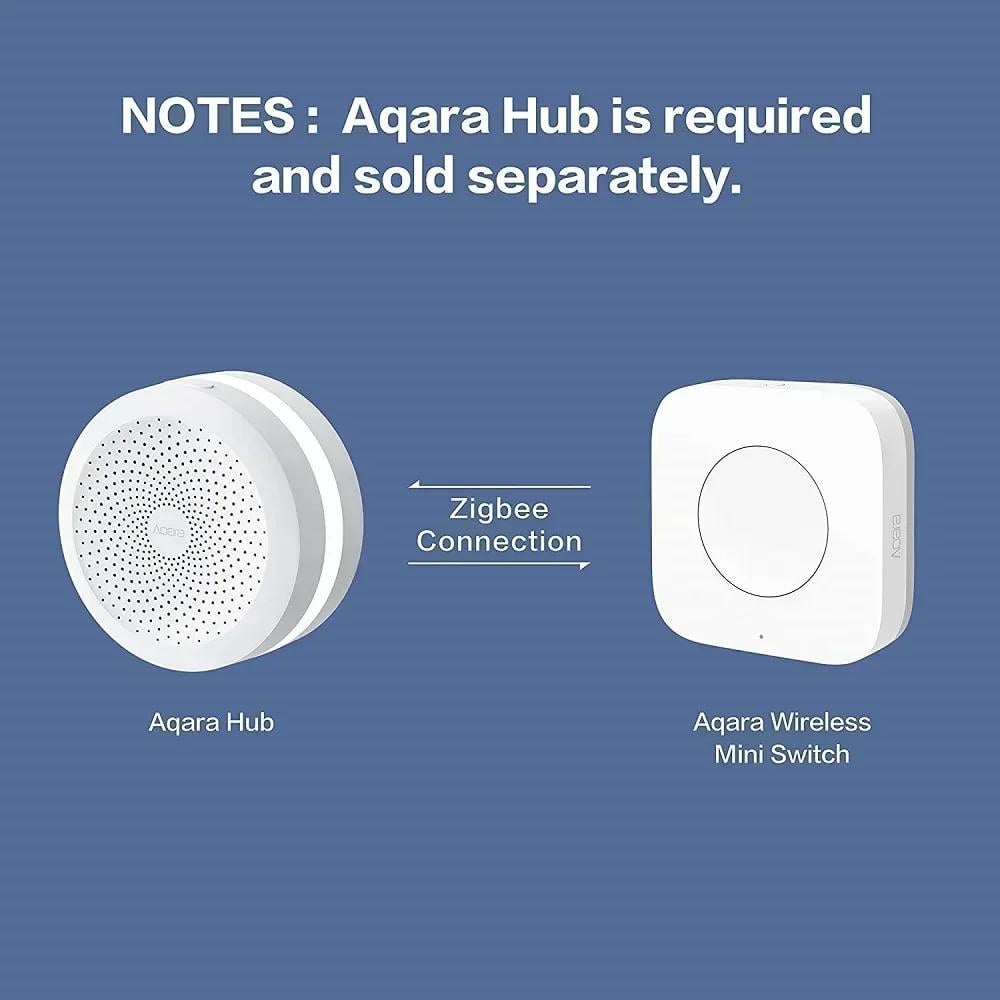
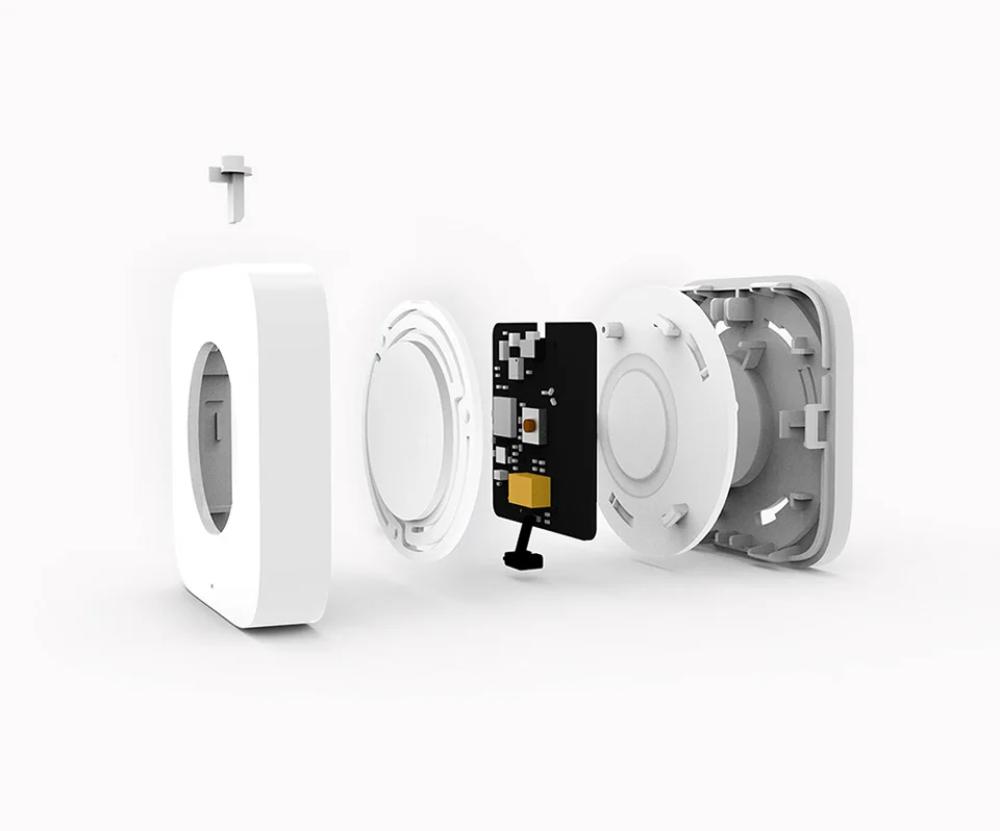
This switch communicates using Zigbee, a wireless technology designed specifically for smart home devices. Instead of connecting to your crowded Wi-Fi network, it talks directly to your Aqara Hub. This connection is extremely fast, stable, and uses very little power, which is why a single coin-cell battery can last up to 2 years!
📲 The App & Platform Experience:
The magic of the Mini Switch comes to life when connected to an Aqara Hub.
- Aqara Home App (iOS/Android): This is where you assign actions to each of the three press types (single, double, long). You can trigger a single device, or activate complex scenes involving multiple devices.
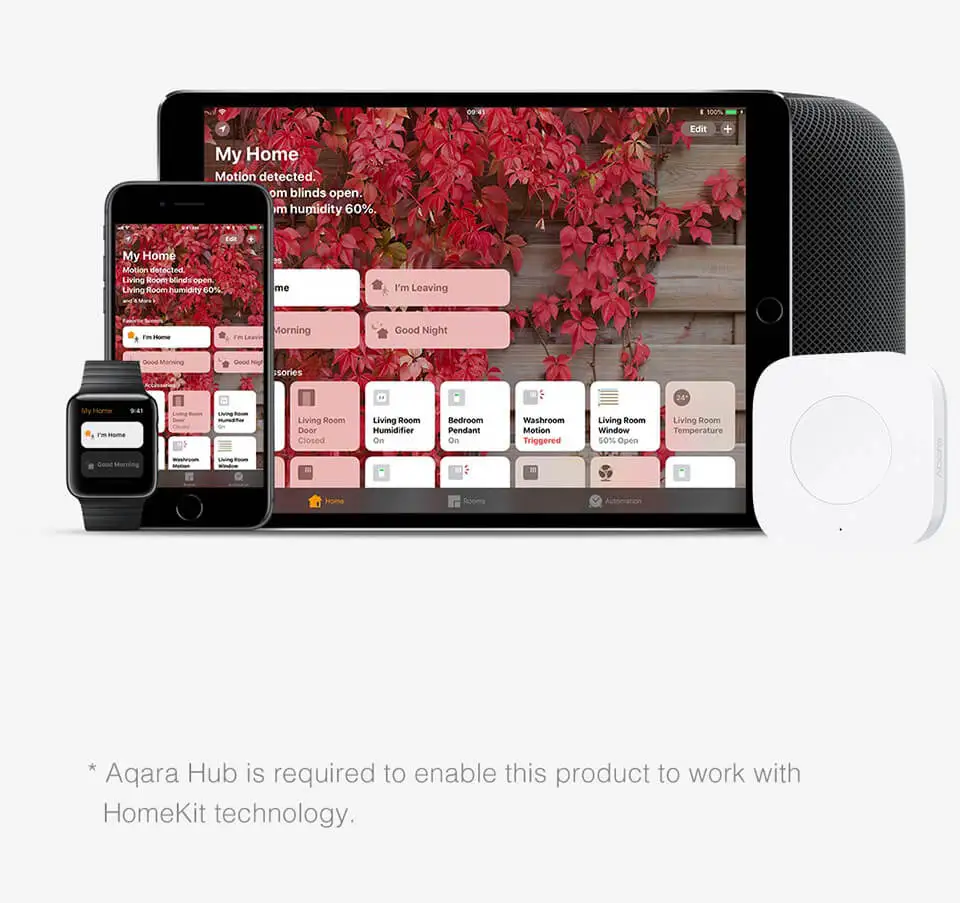
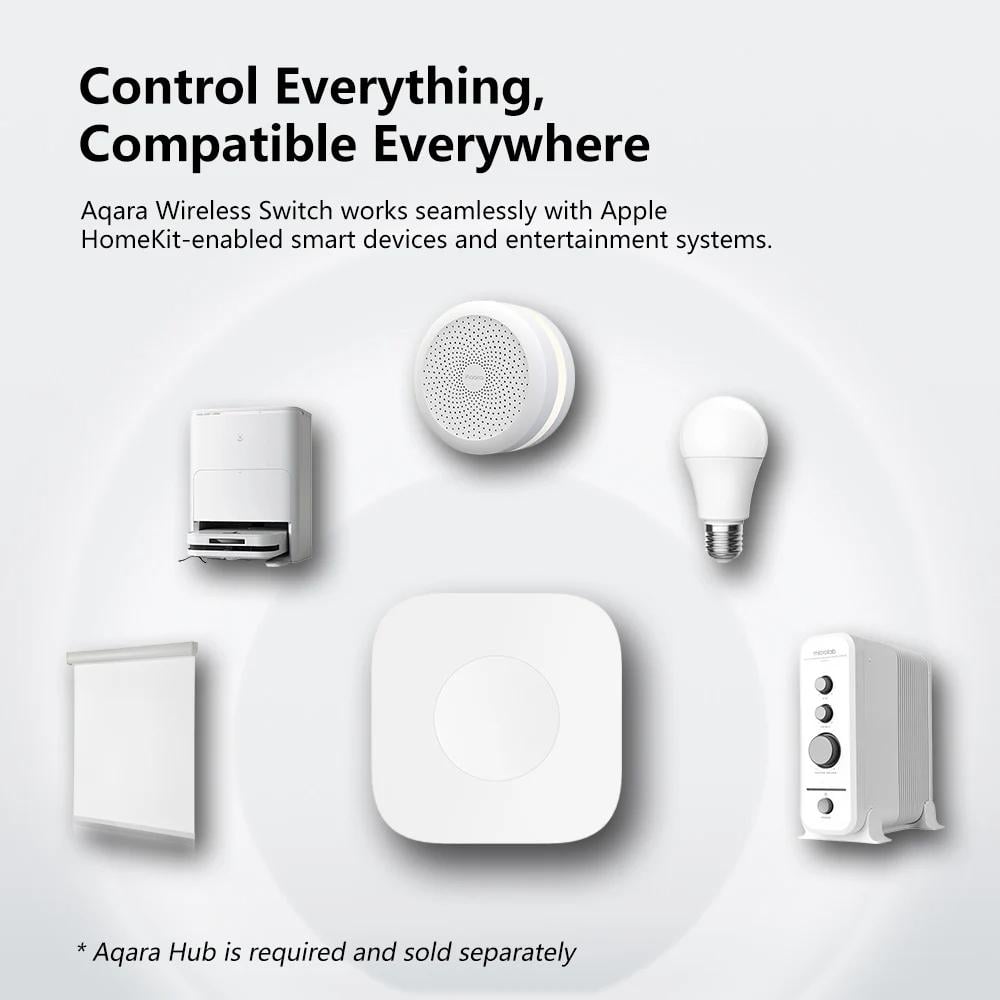
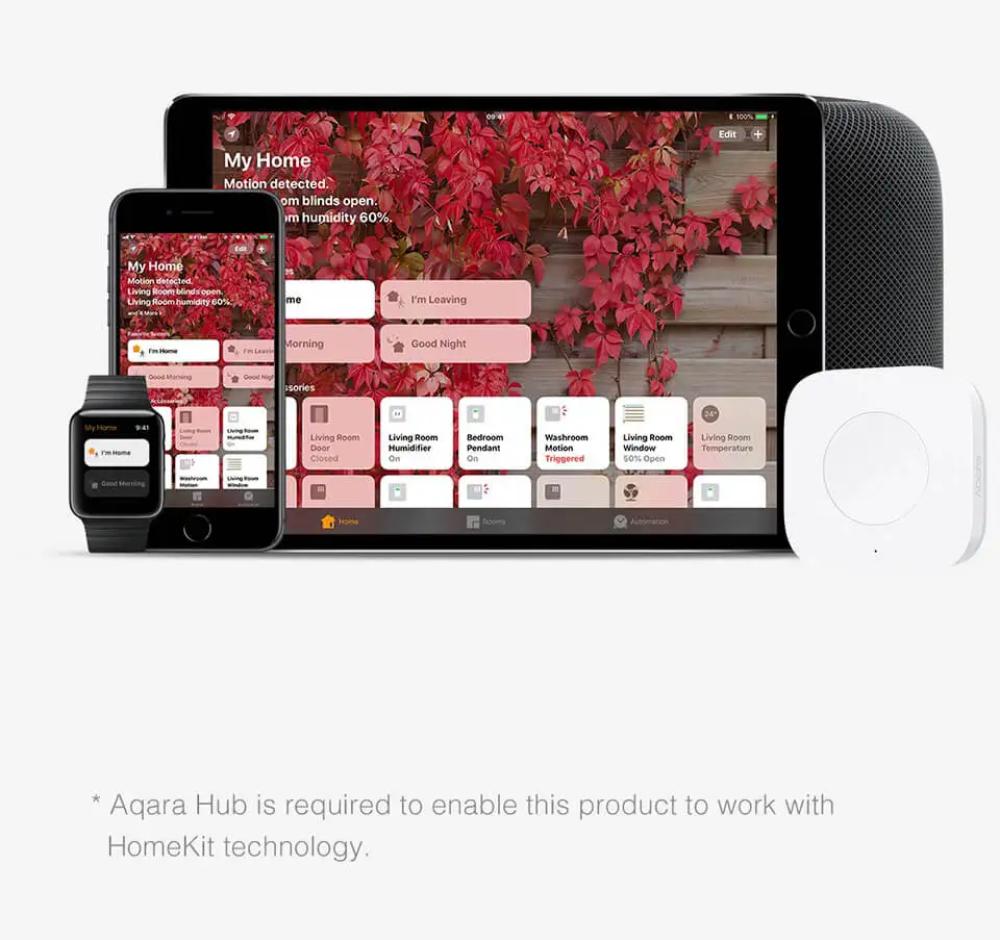
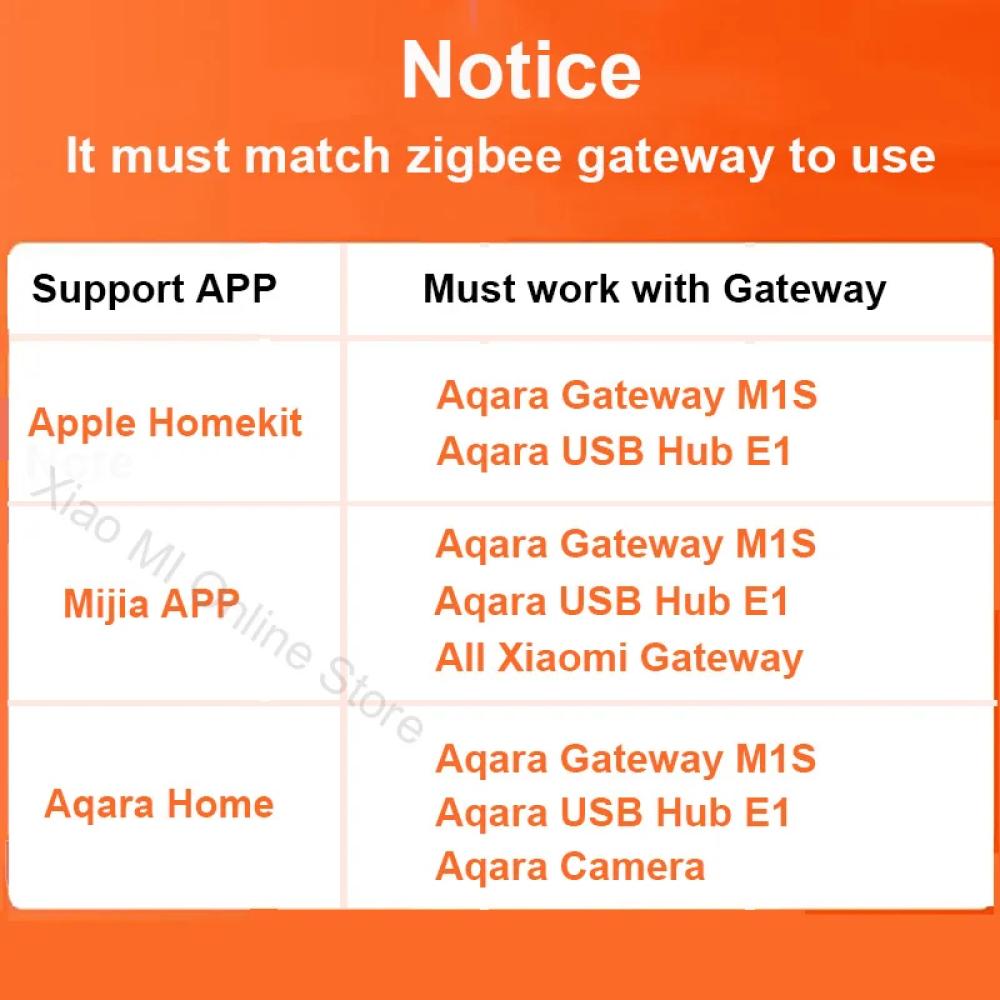
- Apple HomeKit: When used with a HomeKit-compatible Aqara Hub, this switch becomes a versatile controller for your Apple ecosystem, allowing you to trigger any of your HomeKit scenes or accessories.
🛠️ Installation & Setup Insights from Abhir-Online:
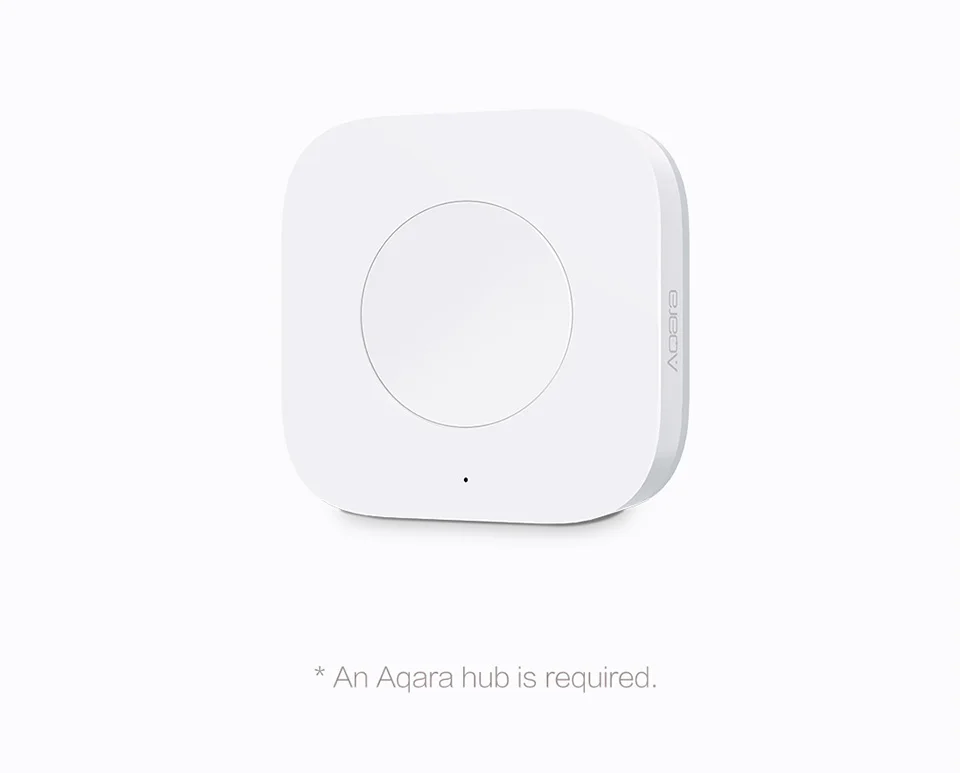
- Prerequisites: A compatible Aqara Hub is required.
- Step 1 - Power Up: The switch comes with a CR2032 battery. Simply pull the battery insulation tab if present to activate it.
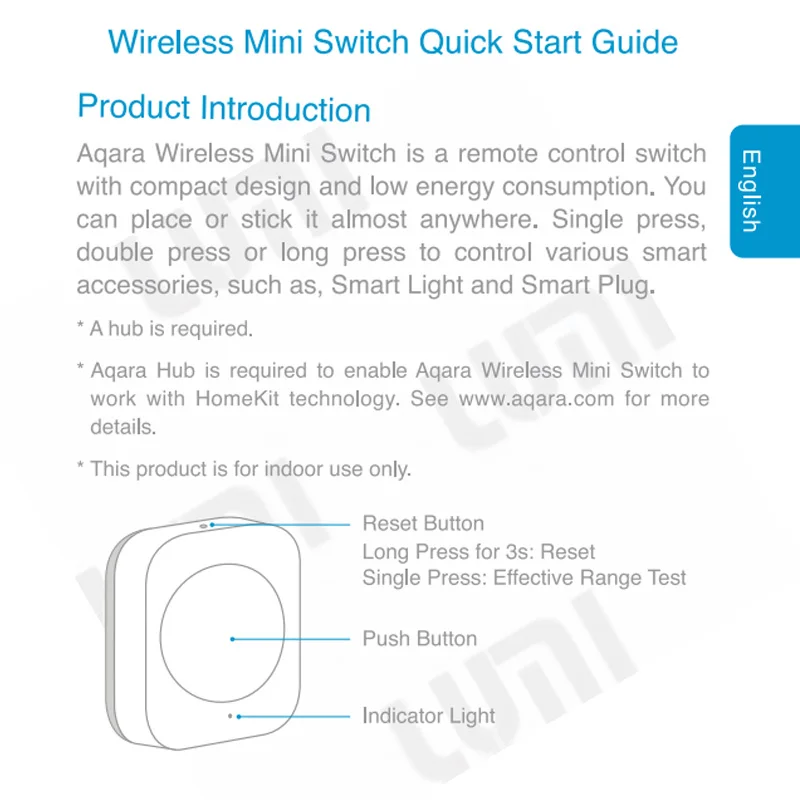
- Step 2 - Pair with Hub: Open the Aqara Home app, select your Hub, and tap "Add Accessory". Press and hold the reset button on the Mini Switch for about 5 seconds until the light blinks to put it in pairing mode. The app will do the rest.
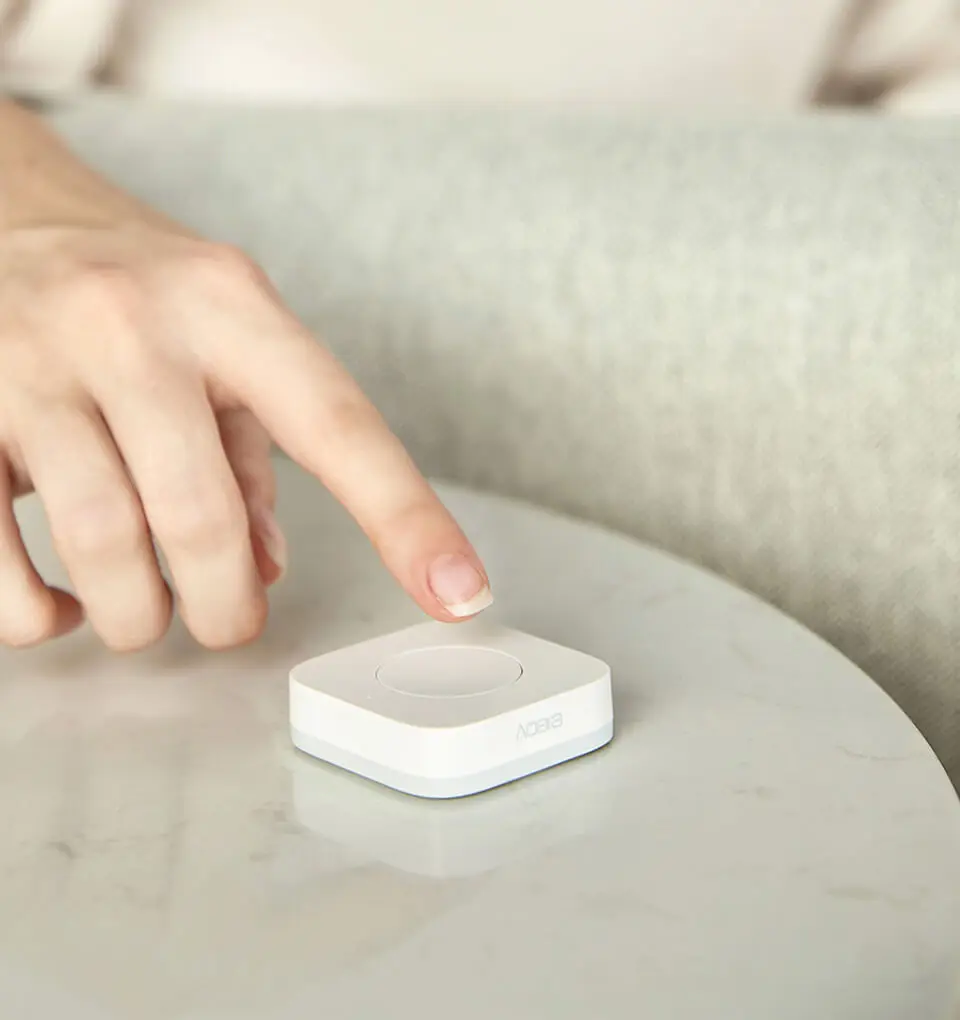
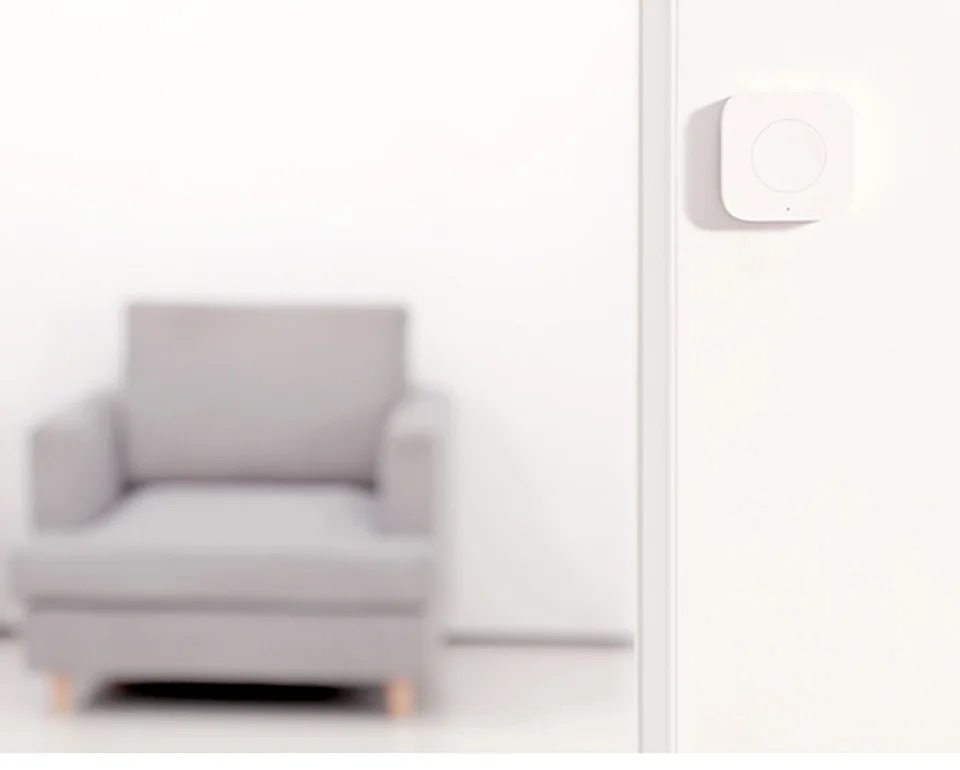
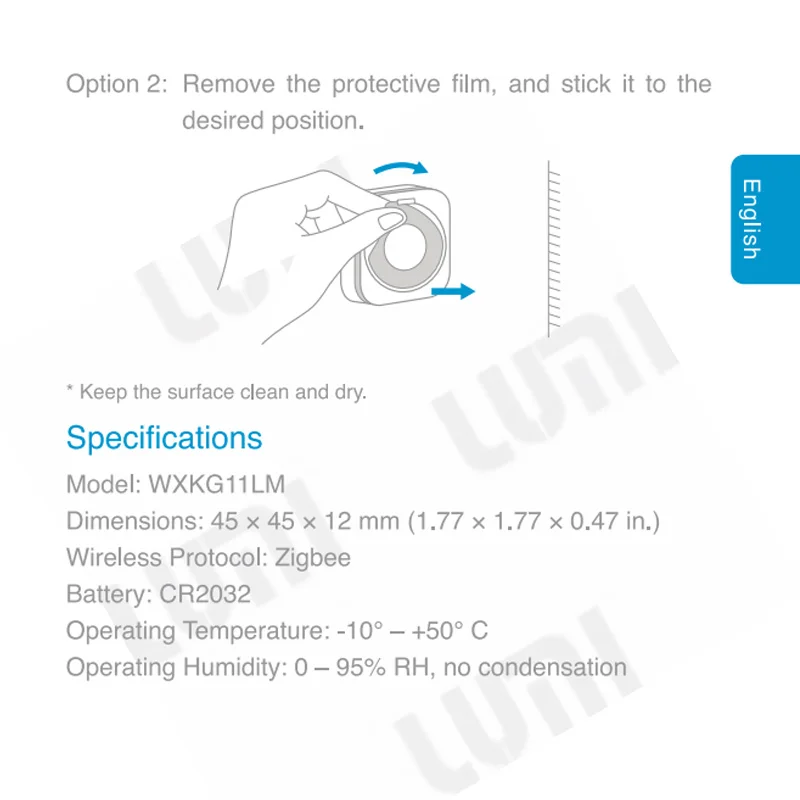
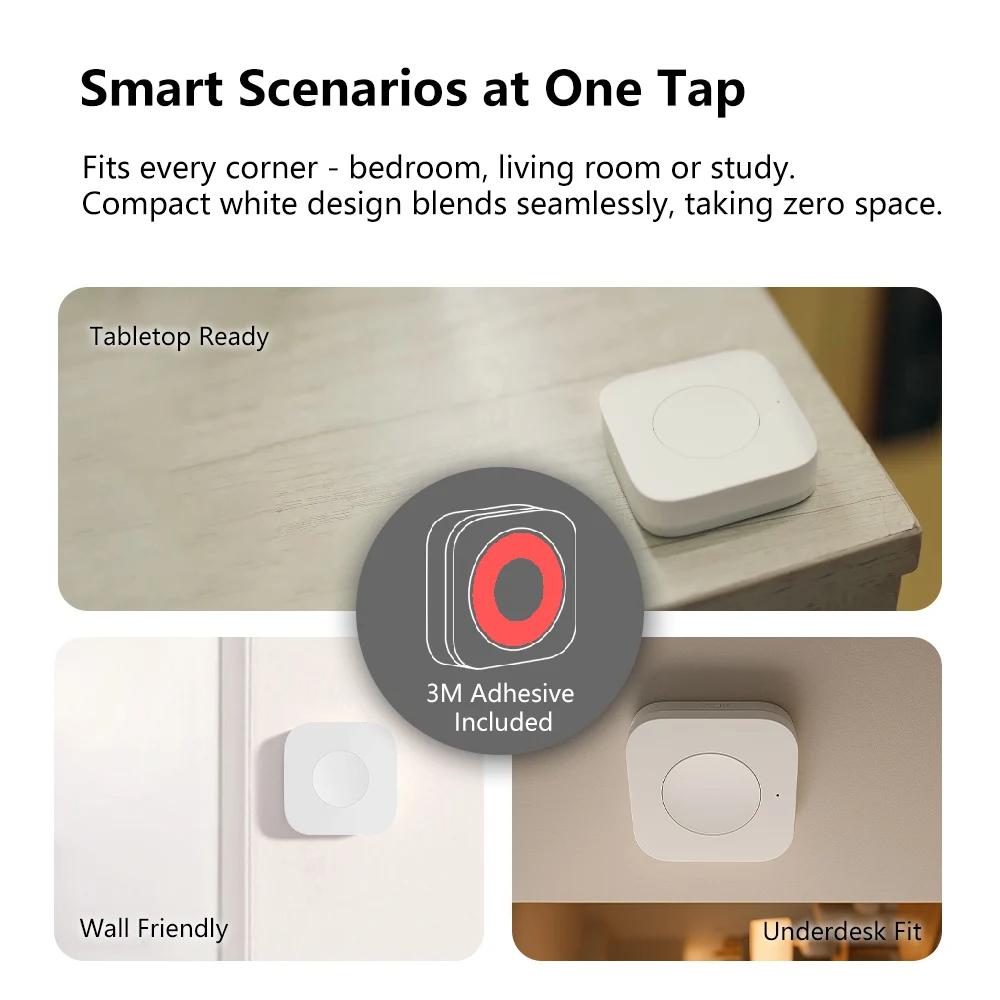
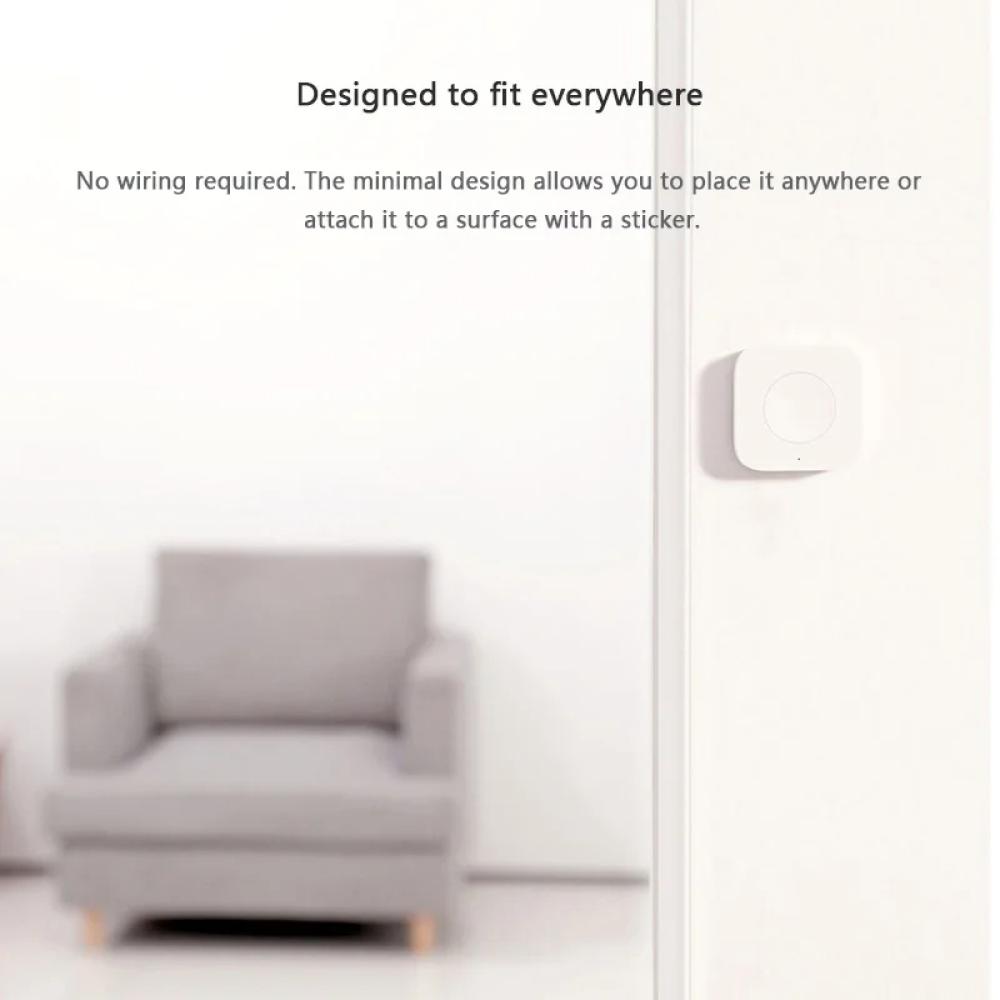
- Step 3 - Place It Anywhere: Use the included adhesive sticker to mount the switch on any clean, flat surface—a wall, a headboard, a table—or simply use it as a portable remote. No wires, no fuss!
Product Features and Advantages:
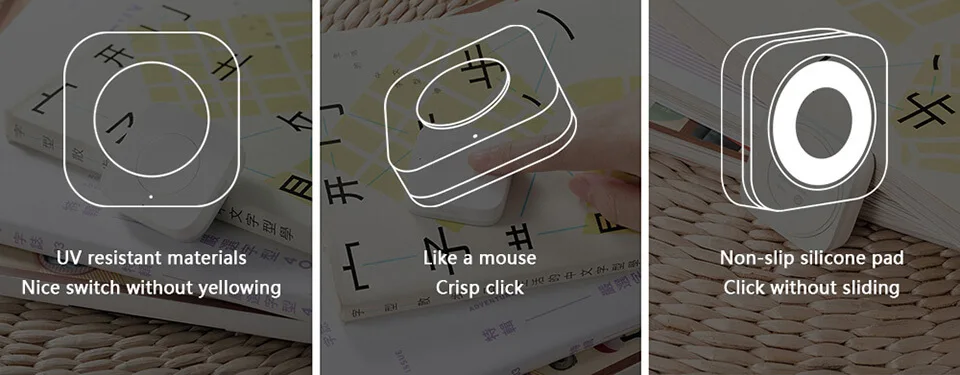
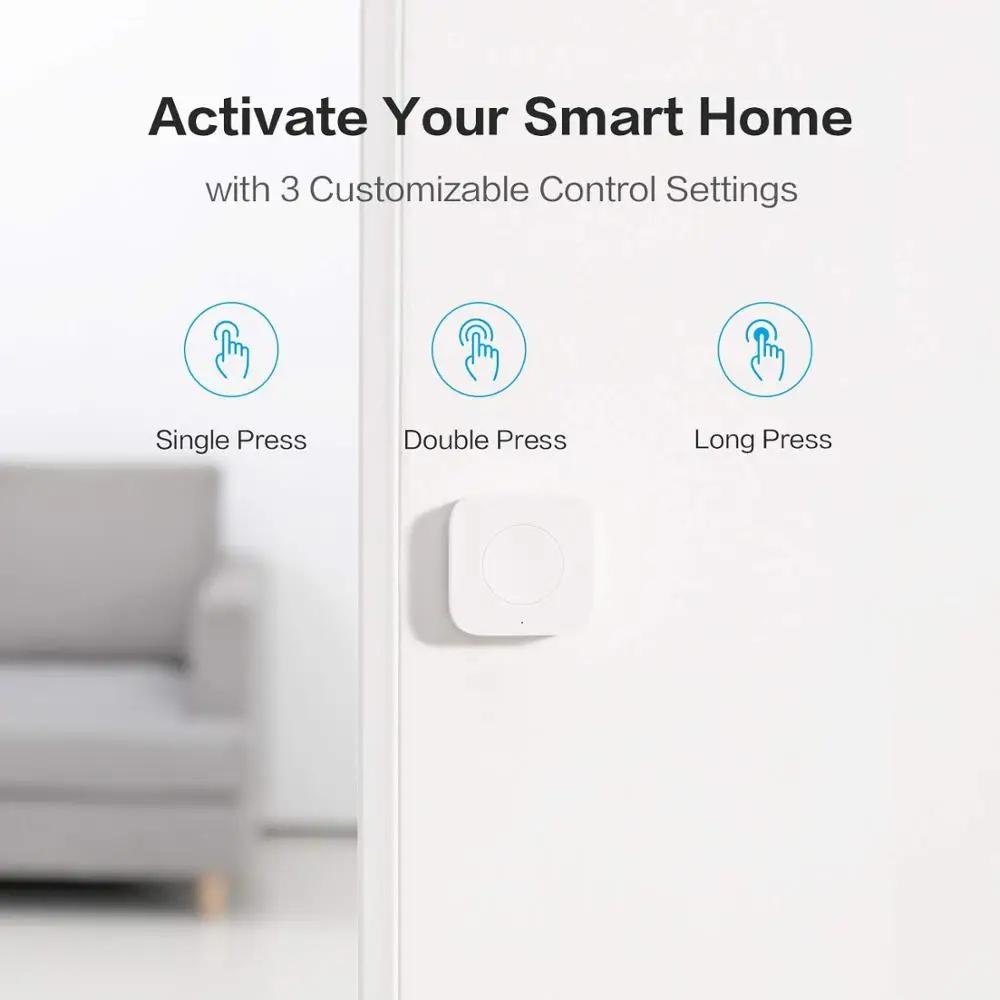
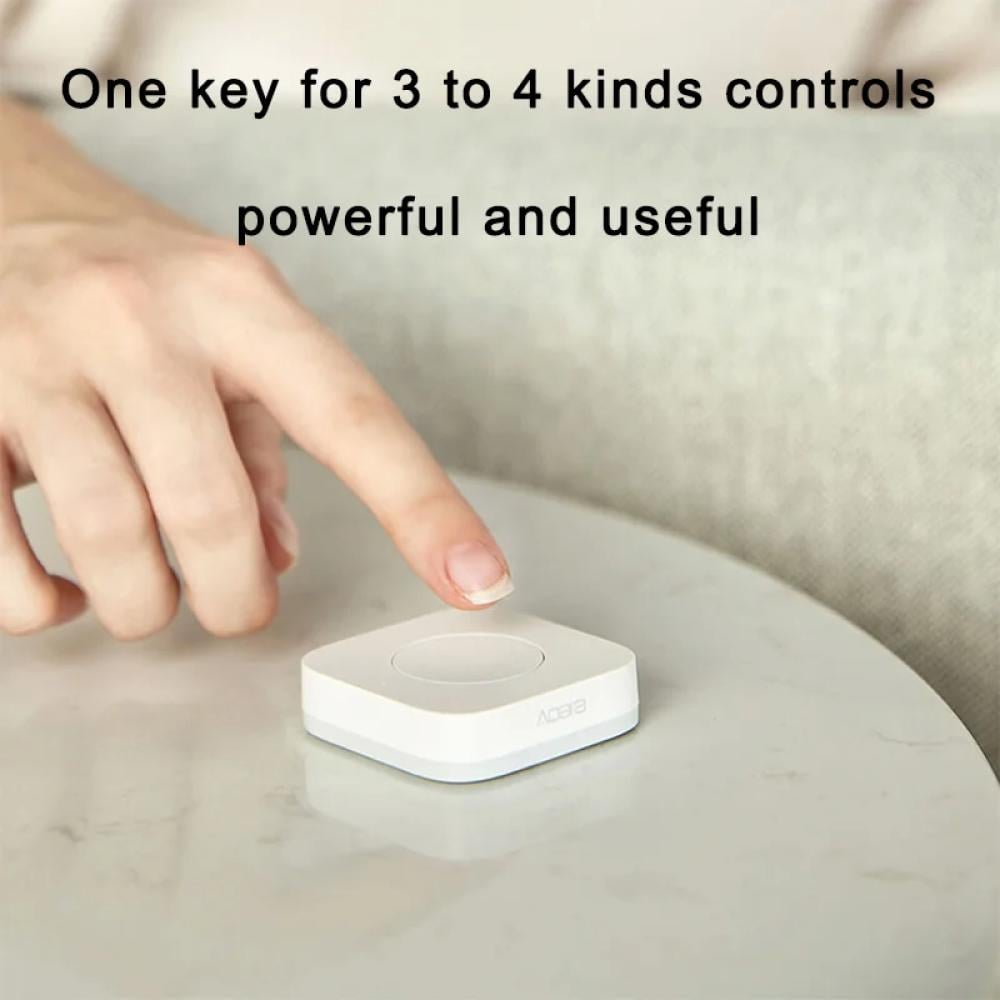
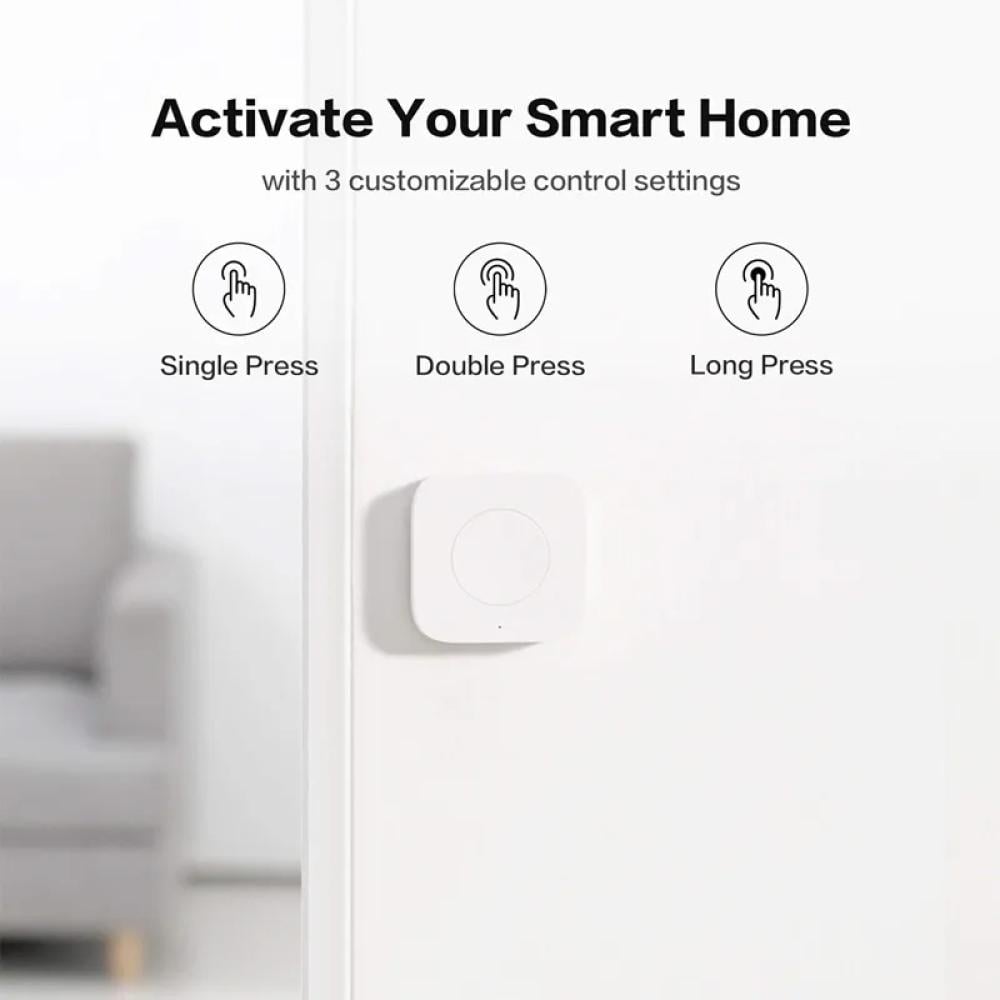
-Triple Action Control 👆: Configure three distinct actions – single press, double press, and long press – to trigger different automations, scenes, or devices.
-Place Anywhere Design 📍: Completely wireless and battery-powered. Mount it on any surface with the included sticker or use it as a portable remote.
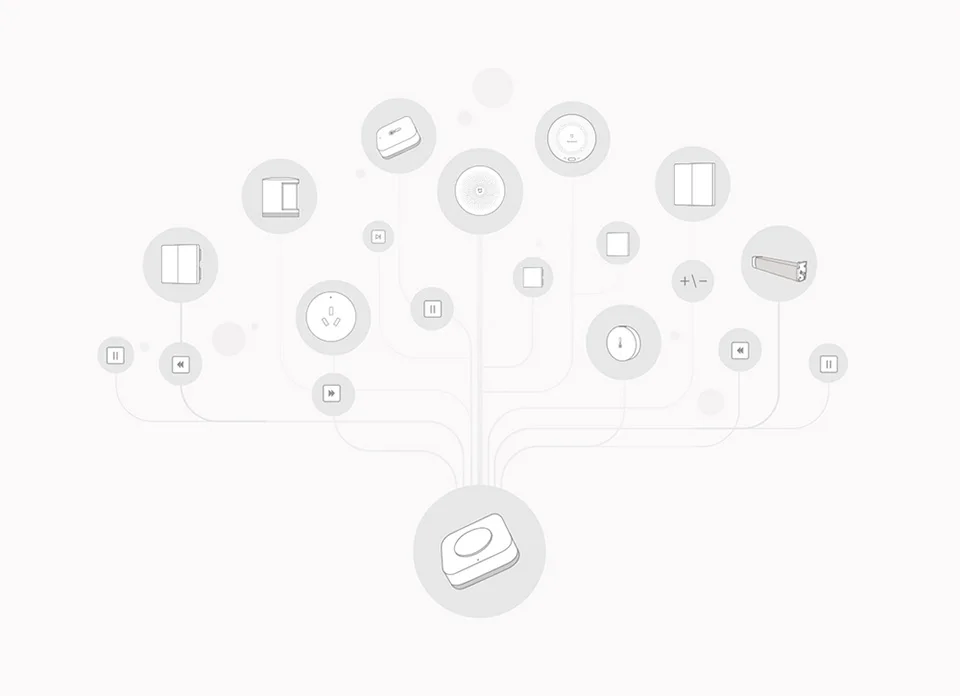
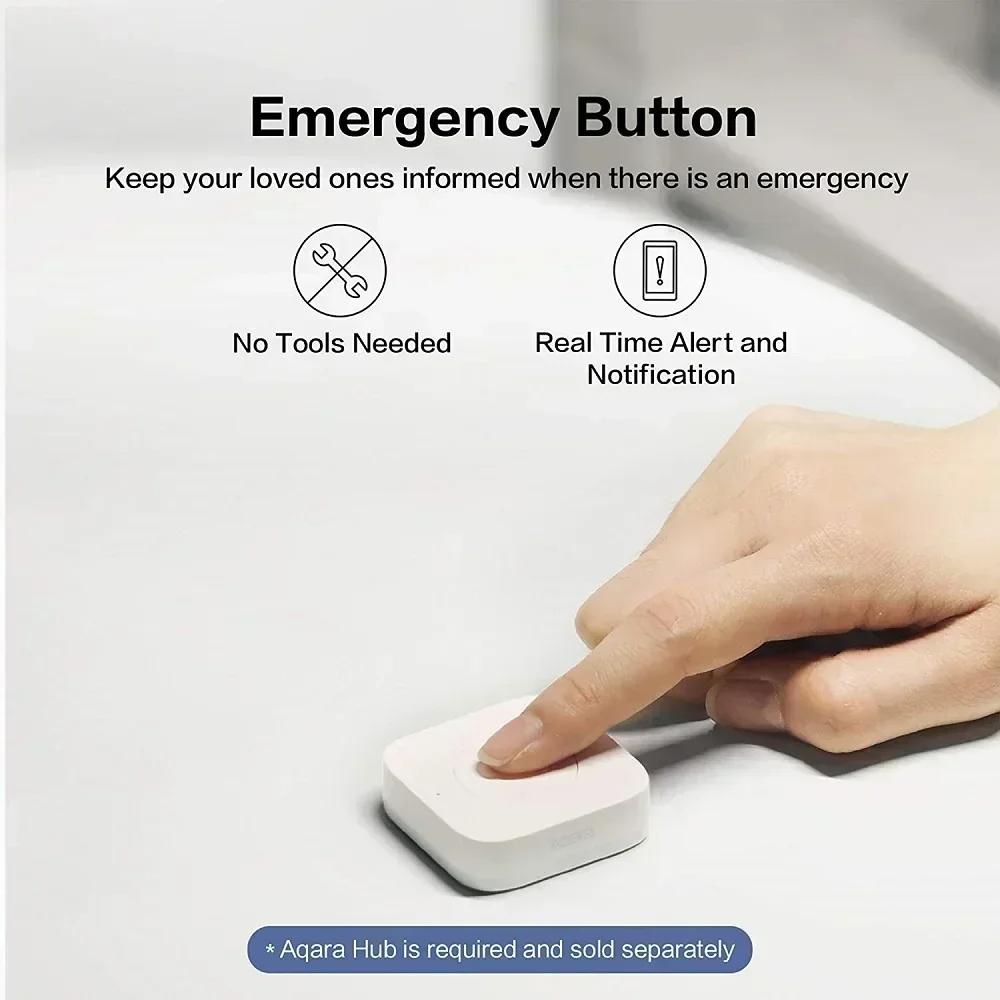
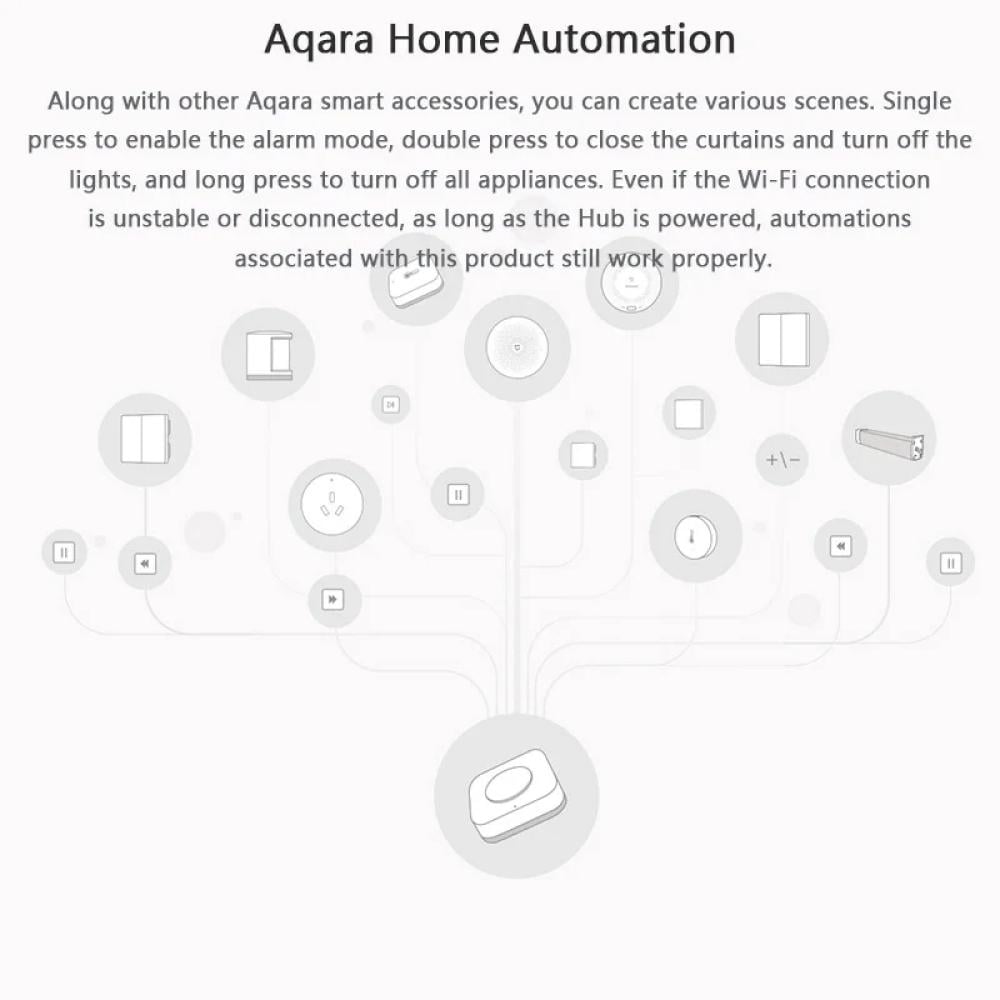
-Multi-Purpose Functionality 🔔: Use it as a smart doorbell, an emergency alert button, a wireless light switch, or a one-click scene launcher.
-2-Year Battery Life 🔋: Powered by a single CR2032 coin battery (included) that provides up to two years of reliable performance.
-Reliable Zigbee Connection: Requires an Aqara Hub and uses the stable Zigbee protocol for instant response without cluttering your Wi-Fi.
-Broad Ecosystem Compatibility: Works with a compatible Aqara Hub to integrate with Apple HomeKit, Amazon Alexa, and Google Assistant.
Compatibility:
Requires a compatible Aqara Hub (e.g., Aqara Hub M1S, M2, E1, Camera Hubs - sold separately by Abhir-Online).
Wireless Protocol: Zigbee (typically Zigbee 1.2 for model WXKG11LM).
App Support: Aqara Home app and Apple Home app (via a compatible hub).
Applicable Applications and Practical Usage Scenarios:
- Wireless Doorbell: Pair with an Aqara Hub to play a custom ringtone when pressed.
- Emergency Alert Button: Place in an accessible location for elderly family members or children to trigger notifications or alarms.
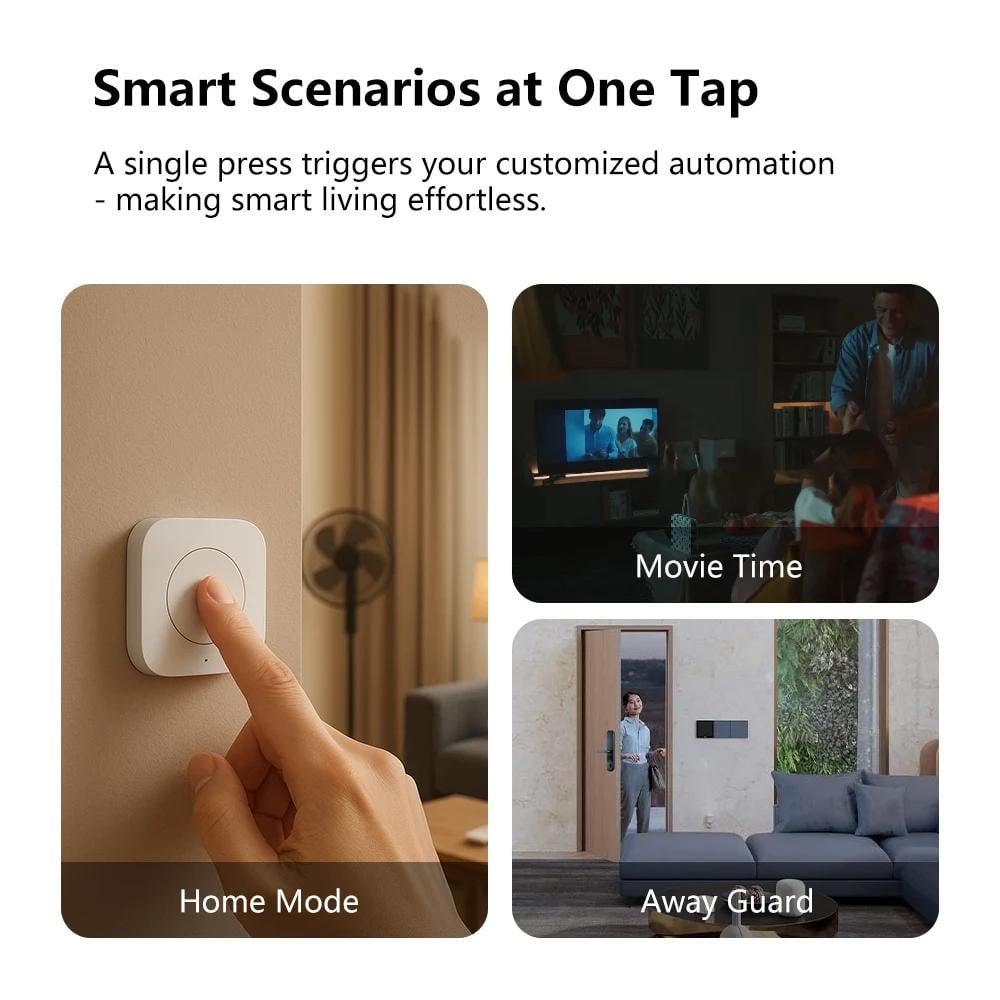
- Bedside Remote: Mount on your nightstand to activate a "Good Night" scene (lights off, AC to desired temp) with a single long press.
- Convenient Scene Controller: Activate your "Movie Night," "Dinner Time," or "Focus Mode" scenes with a single click, without using your phone or voice.
- Guest & Family Friendly Control: An intuitive way for visitors or family members who aren't tech-savvy to control smart devices.
Product Physical Specifications:
Brand: Aqara
Model: WXKG11LM
Color: White
Dimensions: Approx. 45 × 45 × 12 mm
Product Weight: Approx. 18g
Package Weight: Approx. 60g
Battery: CR2032 (Included)
Wireless Protocol: Zigbee
Package Contents:
1 x Aqara Wireless Mini Switch
1 x CR2032 Battery
1 x Adhesive Sticker
1 x Quick Start Guide
Complete Your Setup (Frequently Bought Together):
-Aqara Hub (ZHWG11LM): The essential gateway required to connect this switch to your smart home.
-Aqara Smart Plug: Instantly make any lamp or small appliance respond to a click of your Mini Switch.
Helpful Resources & Videos:
[Link to an In-Depth Review & HomeKit Automation Tutorial]
[Link to the Official Setup Guide Video]
[Link to "How to Use the Aqara Mini Switch as a Smart Doorbell" Video]
Keywords
Aqara Mini Switch, Wireless Smart Button, Zigbee Switch, WXKG11LM, AK010CNW01, HomeKit Button, Alexa Button, Google Home Switch, Scene Controller, Remote Switch, Abhir online
Frequently Asked Questions (FAQs):
Q1: Do I need an Aqara Hub for this switch to work?
A1: Yes, the Aqara Wireless Mini Switch uses the Zigbee protocol and requires a compatible Aqara Hub (gateway) to connect to your network and control other devices.
Q2: How many different things can one button do?
A2: You can program three different actions: a single press, a double press, and a long press. Each action can be assigned to a unique scene or automation.
Q3: How do I mount the switch?
A3: It's very simple. You can either place it on any flat surface like a table, or use the included adhesive sticker to mount it to a wall, headboard, or anywhere else you'd like a convenient switch. No wiring is needed.
Q4: What is the battery life and is it included?
A4: It uses a standard CR2032 coin battery, which is included in the box. The battery typically lasts for up to 2 years with normal use.
Q5: Can I use this to control non-Aqara devices?
A5: Yes! When integrated with a platform like Apple HomeKit, Alexa, or Google Home (via your Aqara Hub), the switch can be used to trigger routines and scenes that control any compatible device in that ecosystem, regardless of its brand.